Universal Competitor settings
Universal Competitor Settings Overview
Universal Competitors are domains you compete against and want to benchmark performance for, this is primarily seen in dashboard reports.
Universal Competitor Settings Background & Requirements
Domain level Universal Competitors can be setup via this Universal Competitors setting or via Competitor Domains or Top Competitors via the Actions dropdown. Keyword Tag level competitors can be setup via this Universal Competitors setting or within Keyword Tag Detail. Universal Competitors are set at the domain level and not targeted for subfolders.
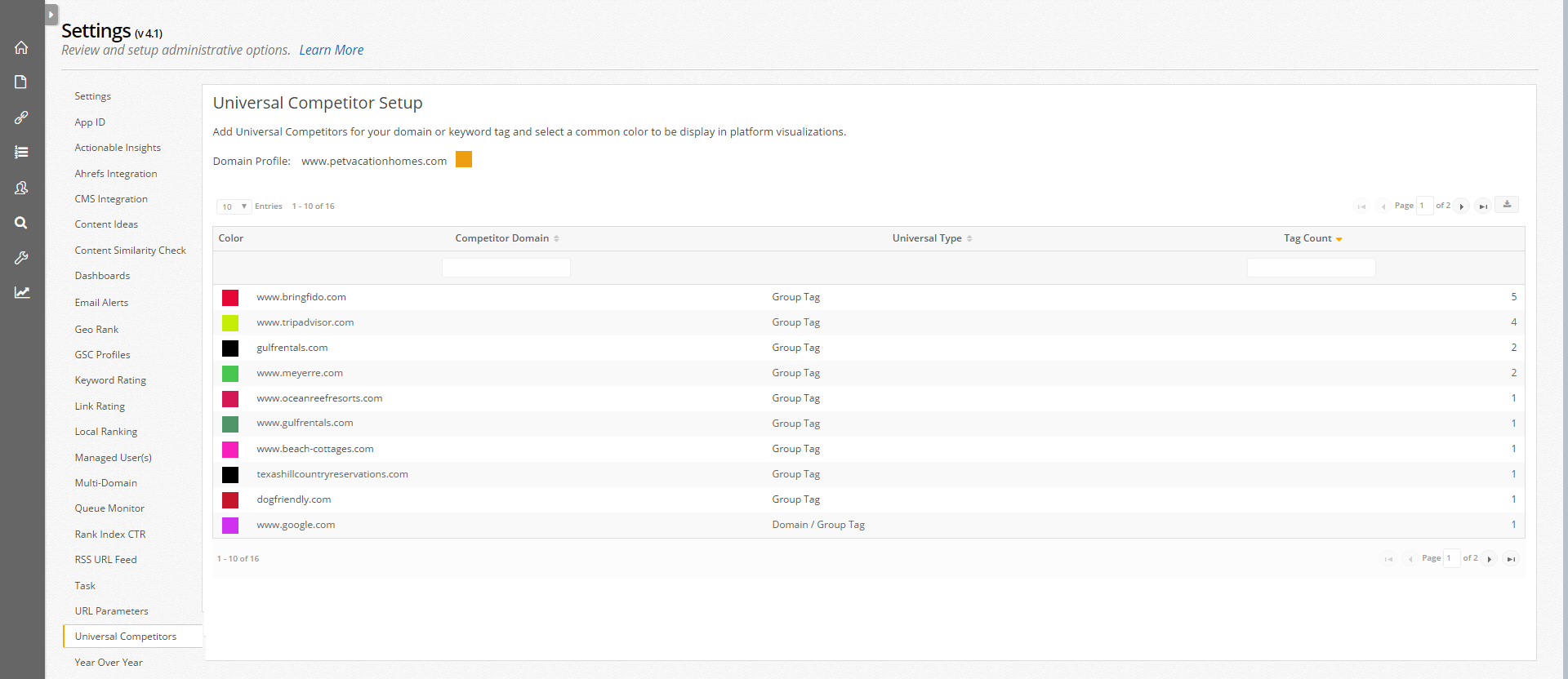
Universal Competitor Color Setting
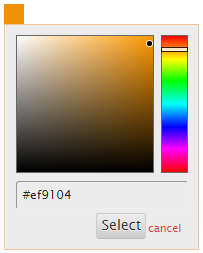
The Universal Competitor setting allows for distinct colors to be selected and applied to visualizations throughout the platform for your domain and universal competitors (both at the domain and the tag level). A color can be chosen by selecting the color block and making a selection from the color pallet or by inputting it's corresponding hex value. The default color value displays as black but will not apply until it is selected.