How to Use URL Lists in Search and Site Analytics
URL Lists Overview
URL lists allow for viewing Search and Site Analytics data specific to just pages grouped in the selected URL list. This bypasses the need for filtering a specific URL pattern. The URLs also don't need to be actively managed in the platform.
Watch this video, or scroll down to step-by-step instructions
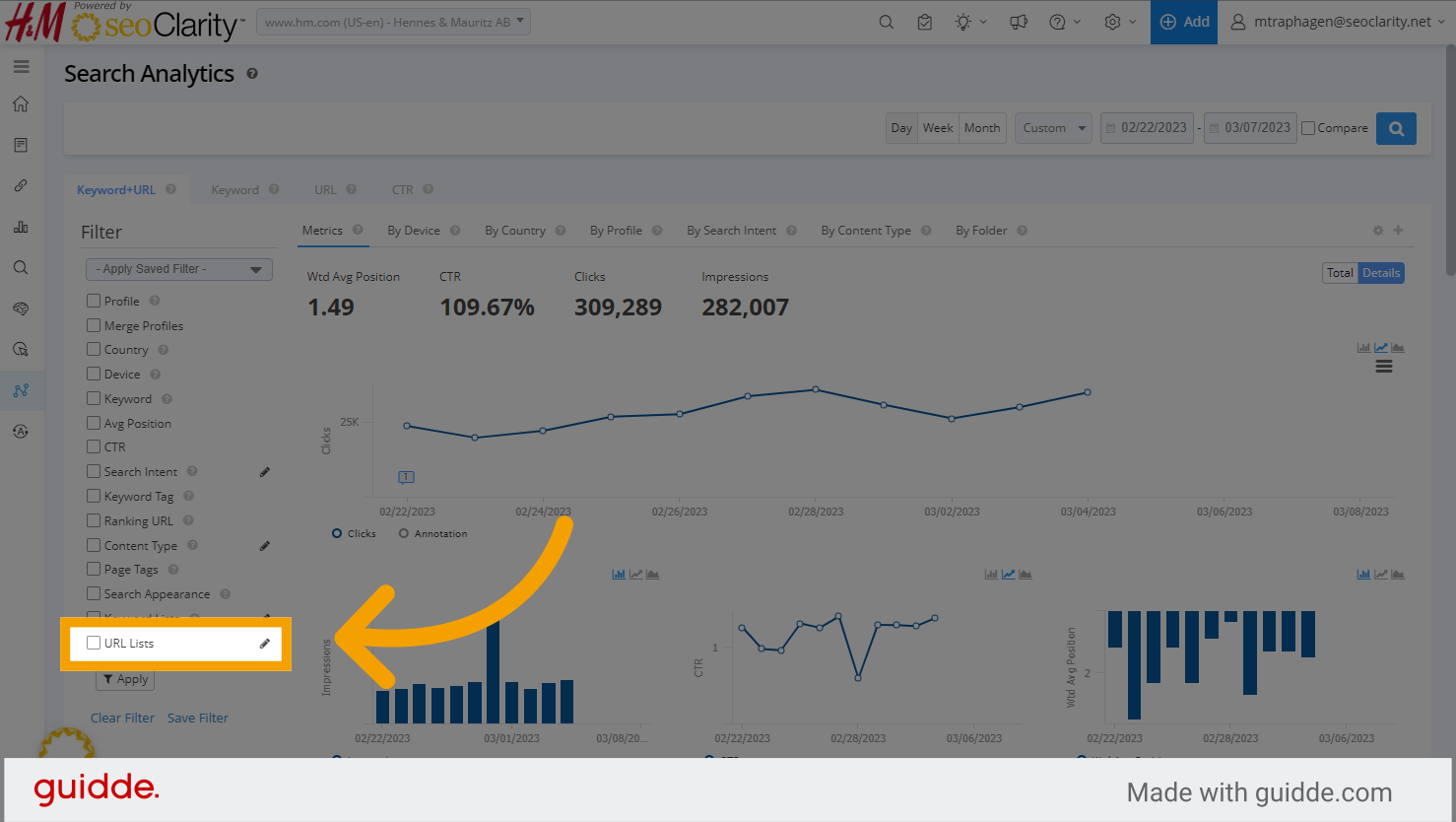
1. You'll find the URL Lists filter in the left side filter section of both Search and Site Analytics
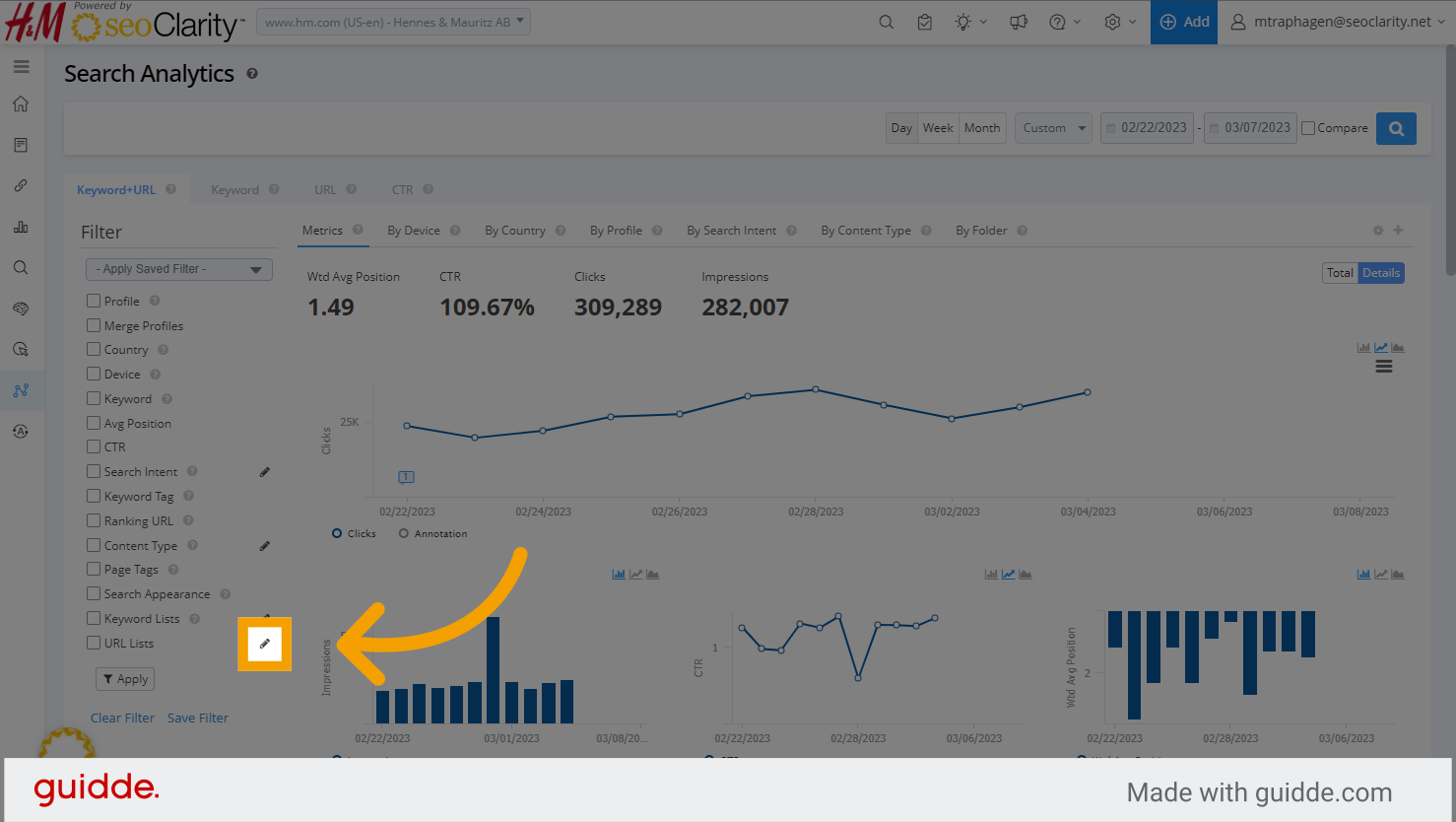
2. To create or manage your URL lists, click the pencil icon next to the URL Lists filter. The right side window will open.
3. In the right side window you can edit List names, delete lists, and create new URL Lists.
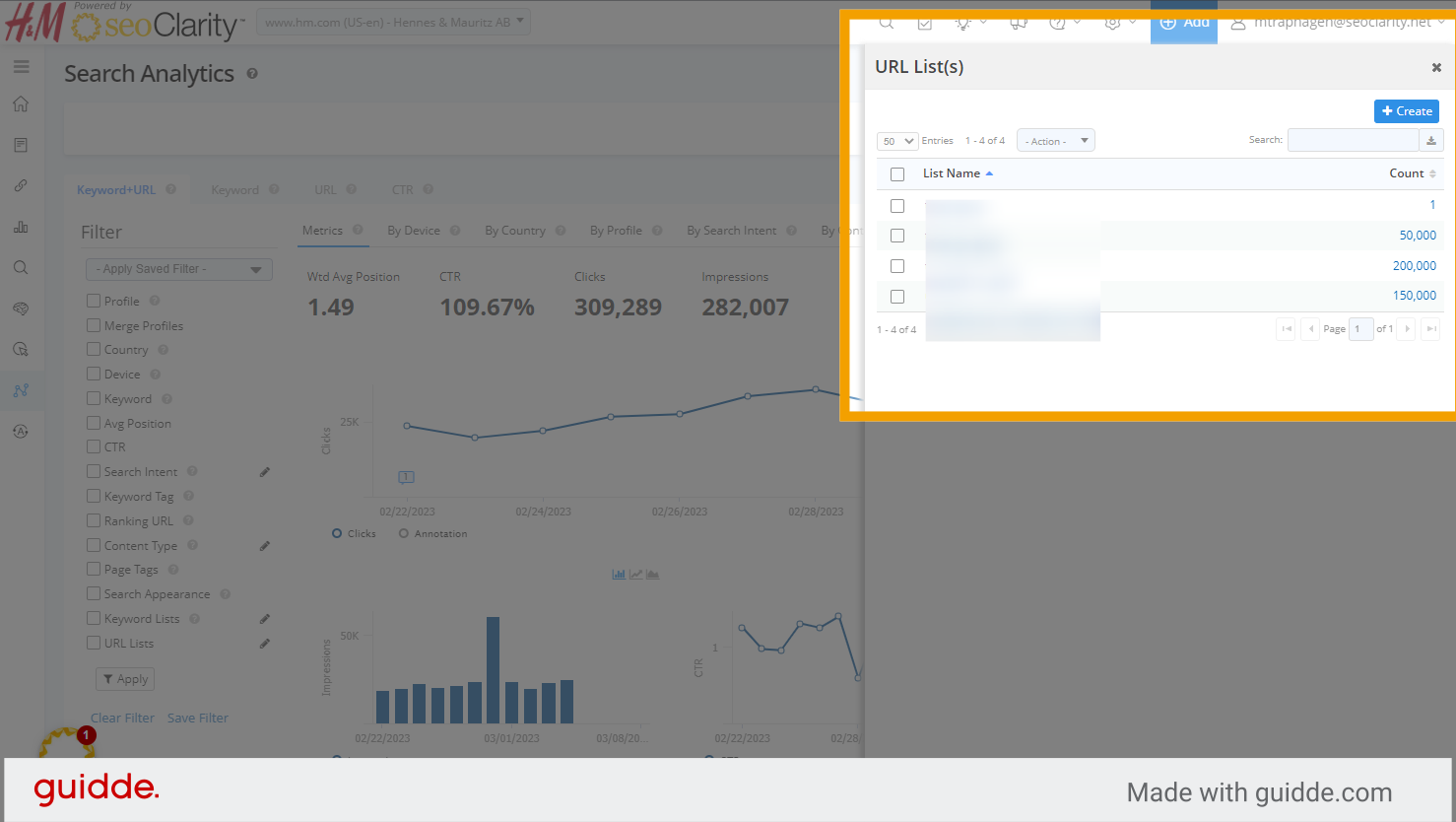
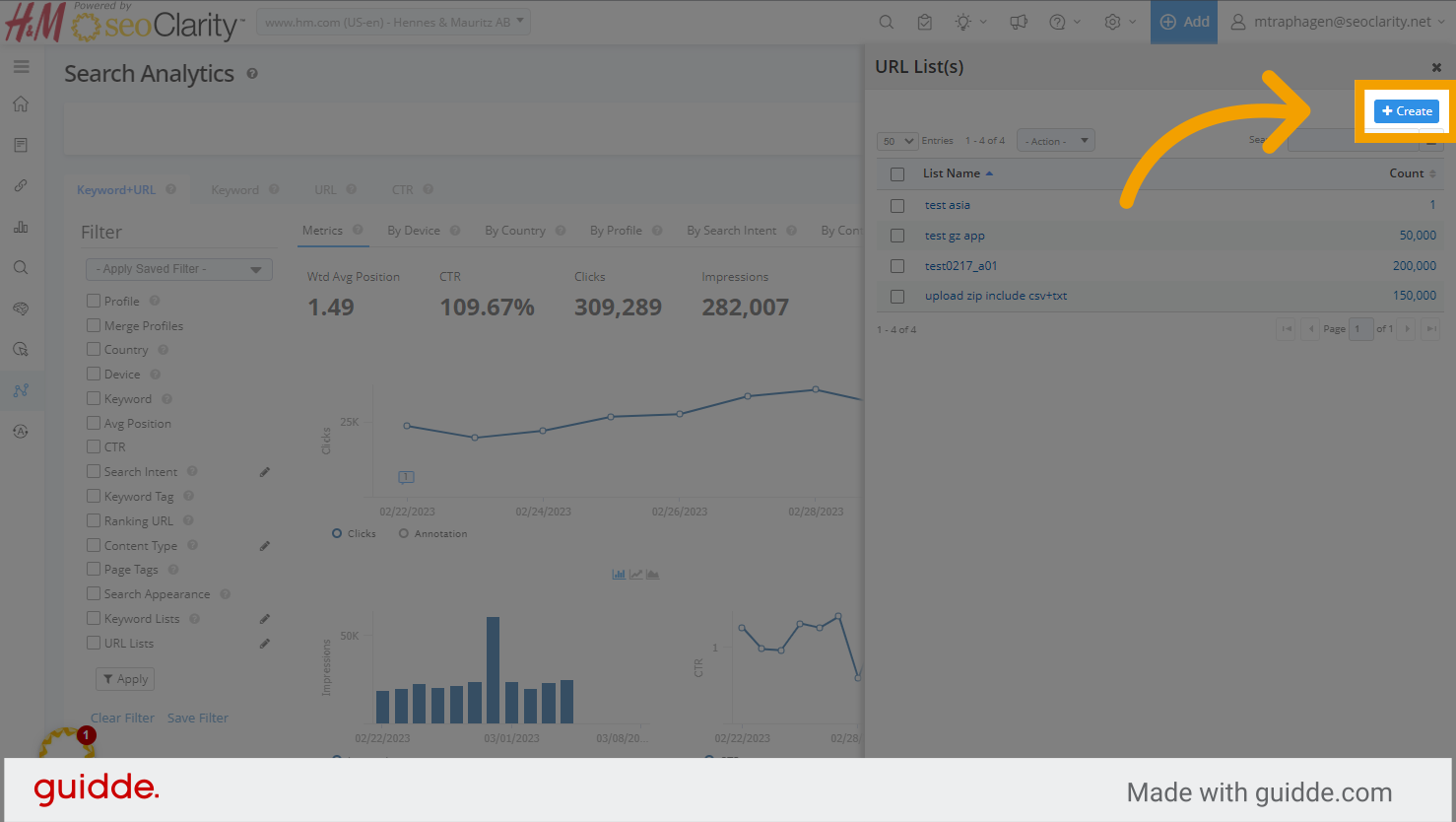
4. To create a new URL list, click the blue Create button
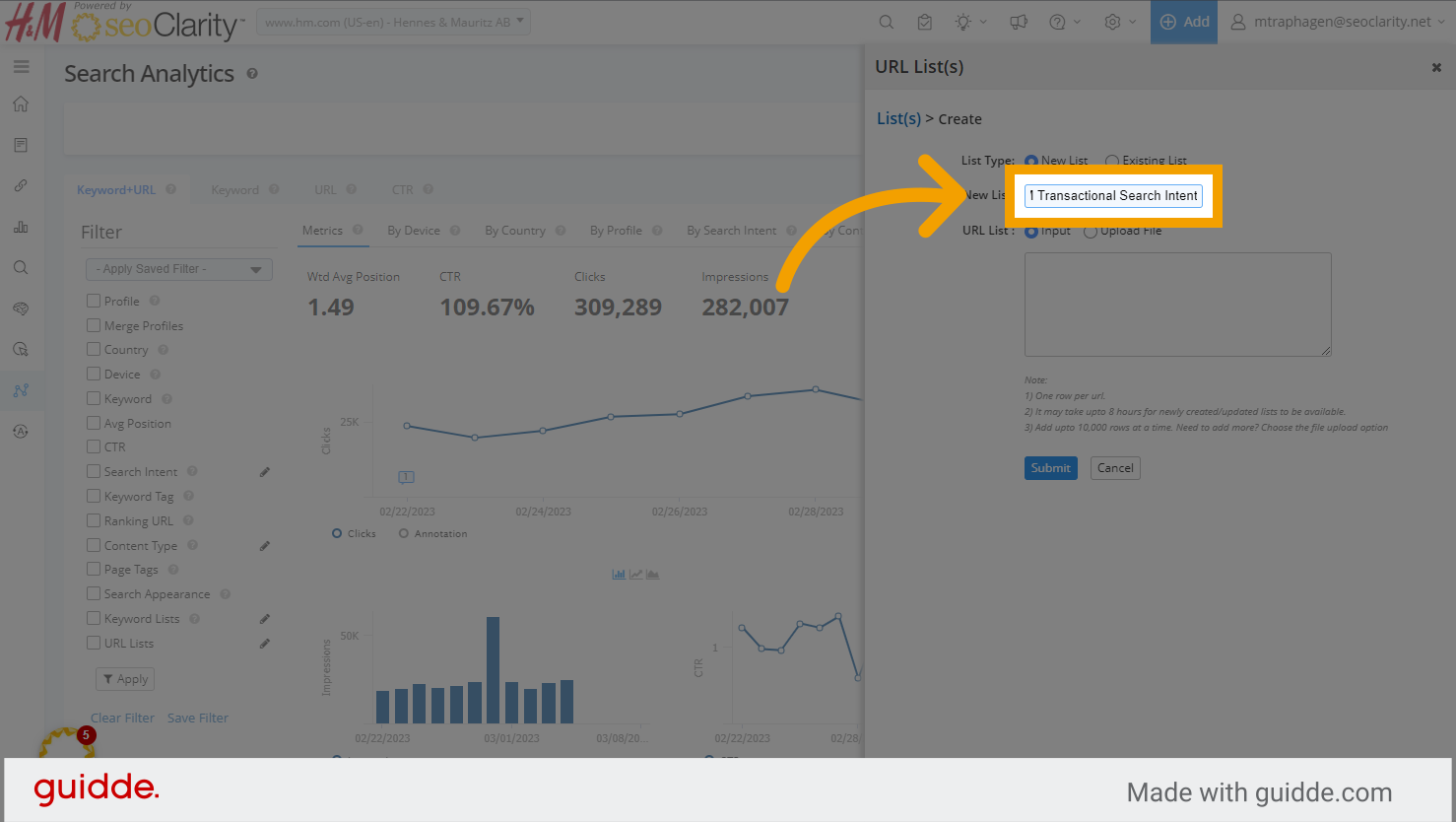
5. Give your list a descriptive name
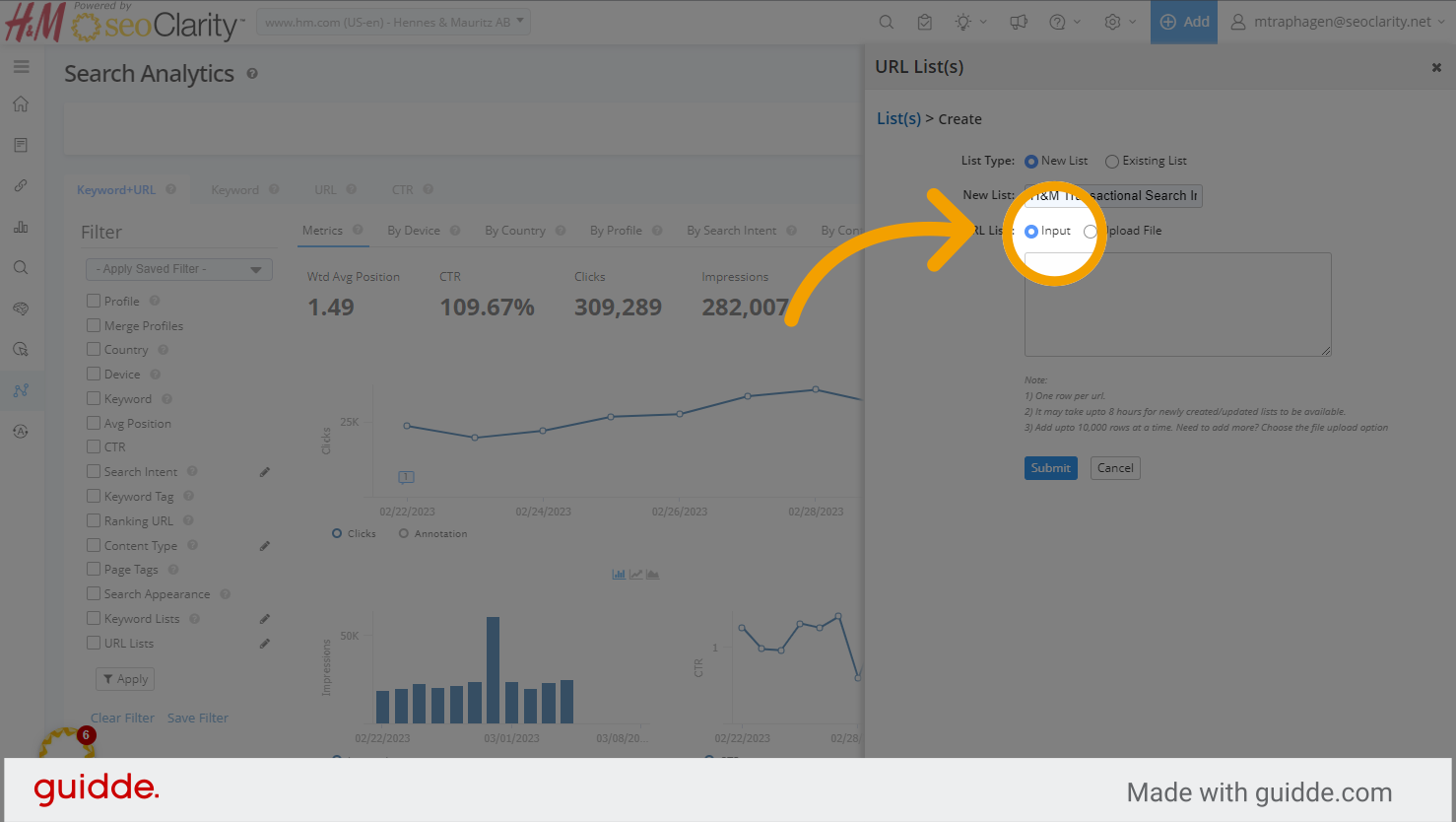
6. Select input if you want to paste or type in a list of URLs
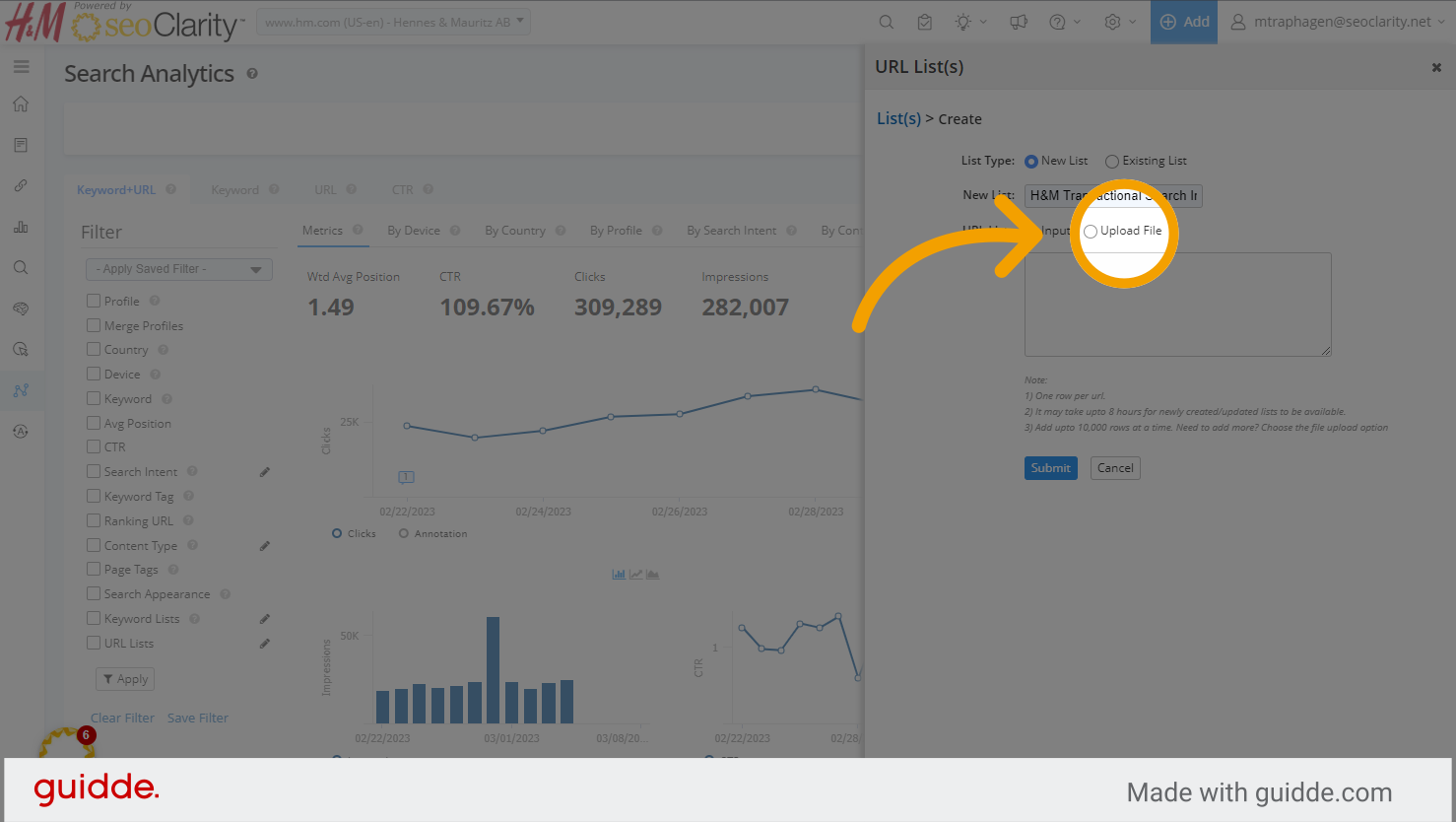
7. Or you can upload a CSV file of URLs.
- Be sure your file is in UTF-8 format and includes 1 column of just the URLs you would like added to the URL list being created.
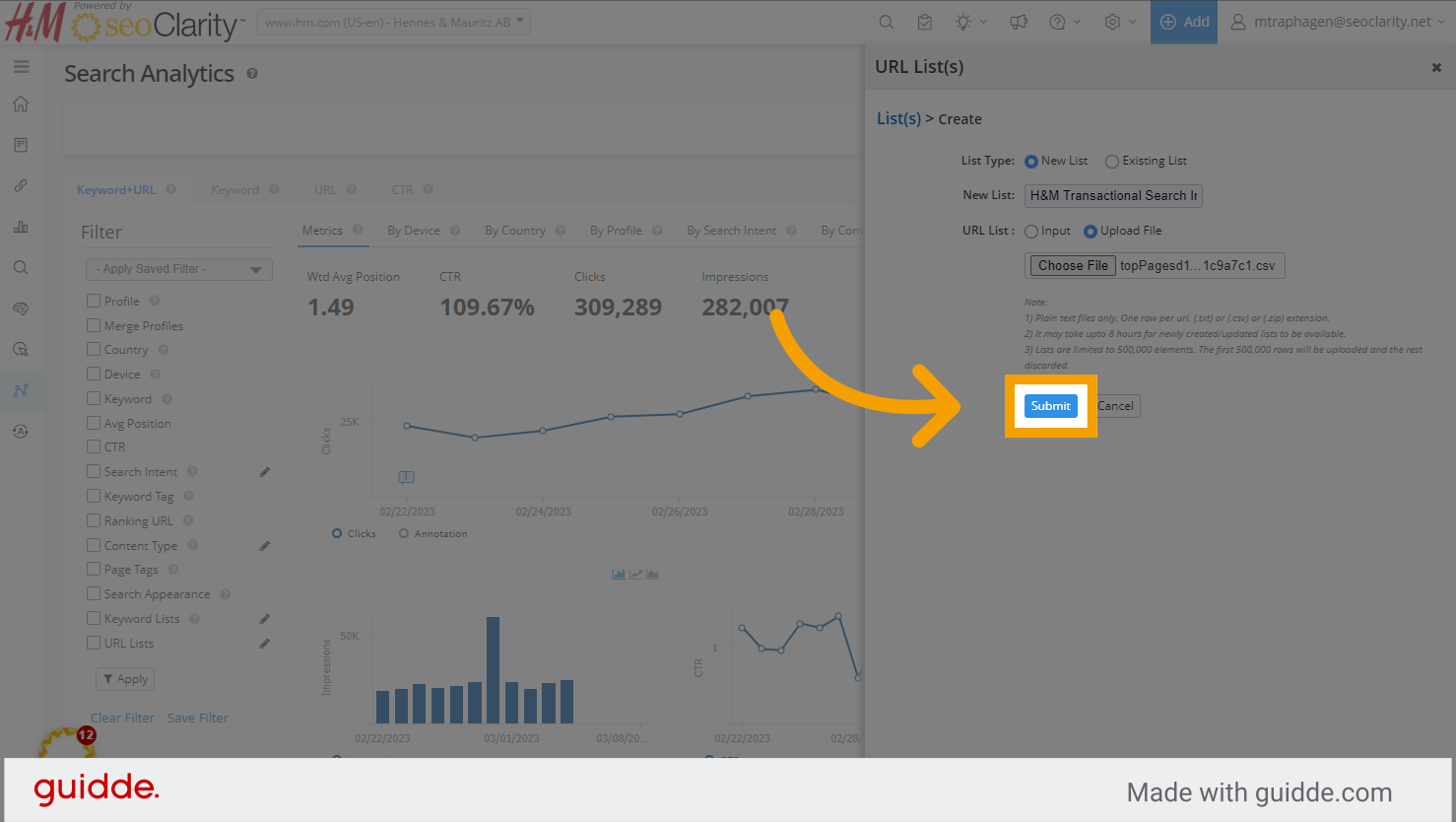
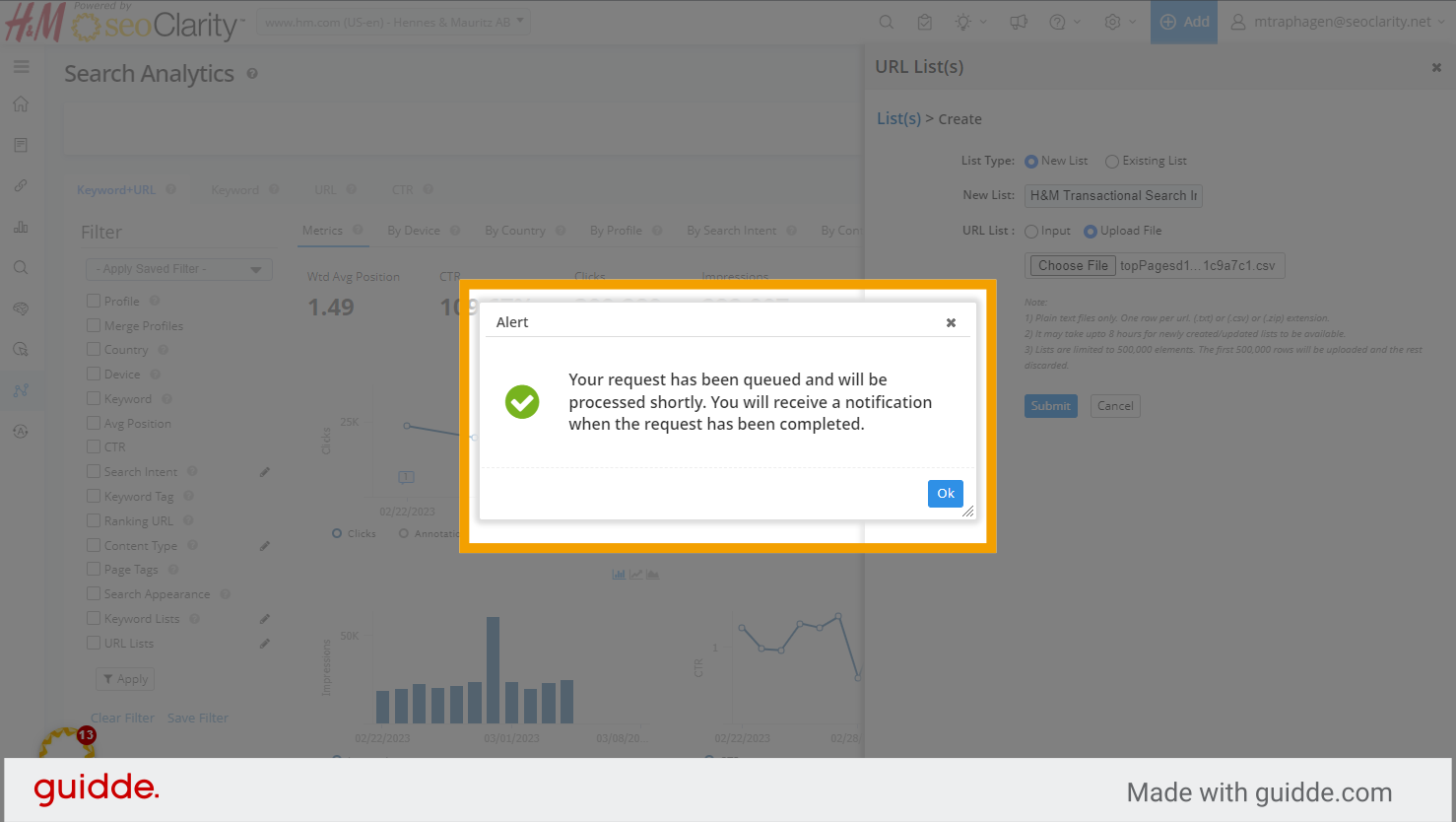
8. Once you've uploaded or pasted in the URLs you want in this list, click Submit. It may take a few hours for your list to be processed
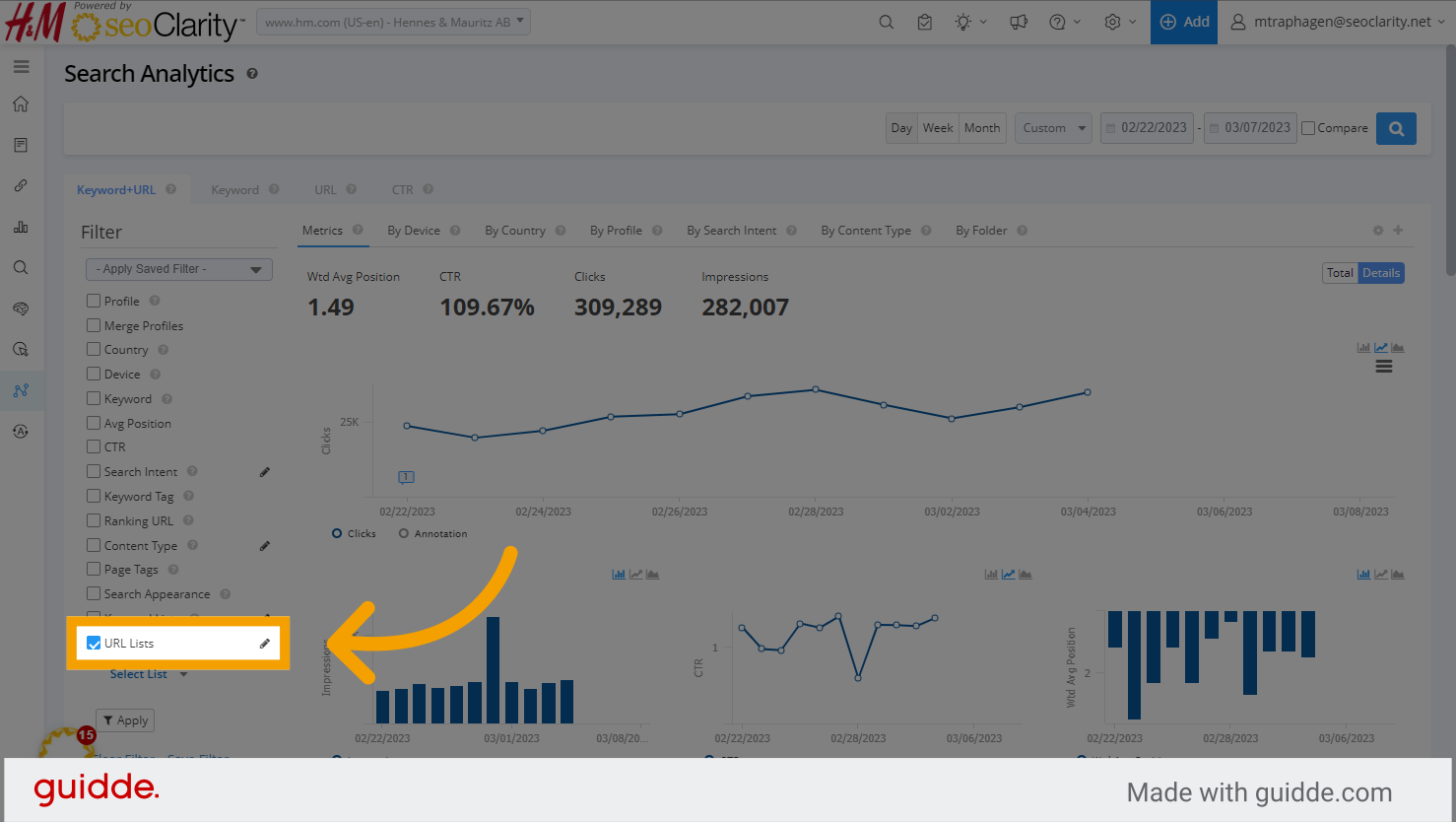
9. To use a URL list, go to the left side filter section found in most features and click the check box for the URL Lists filter
10. and click select list
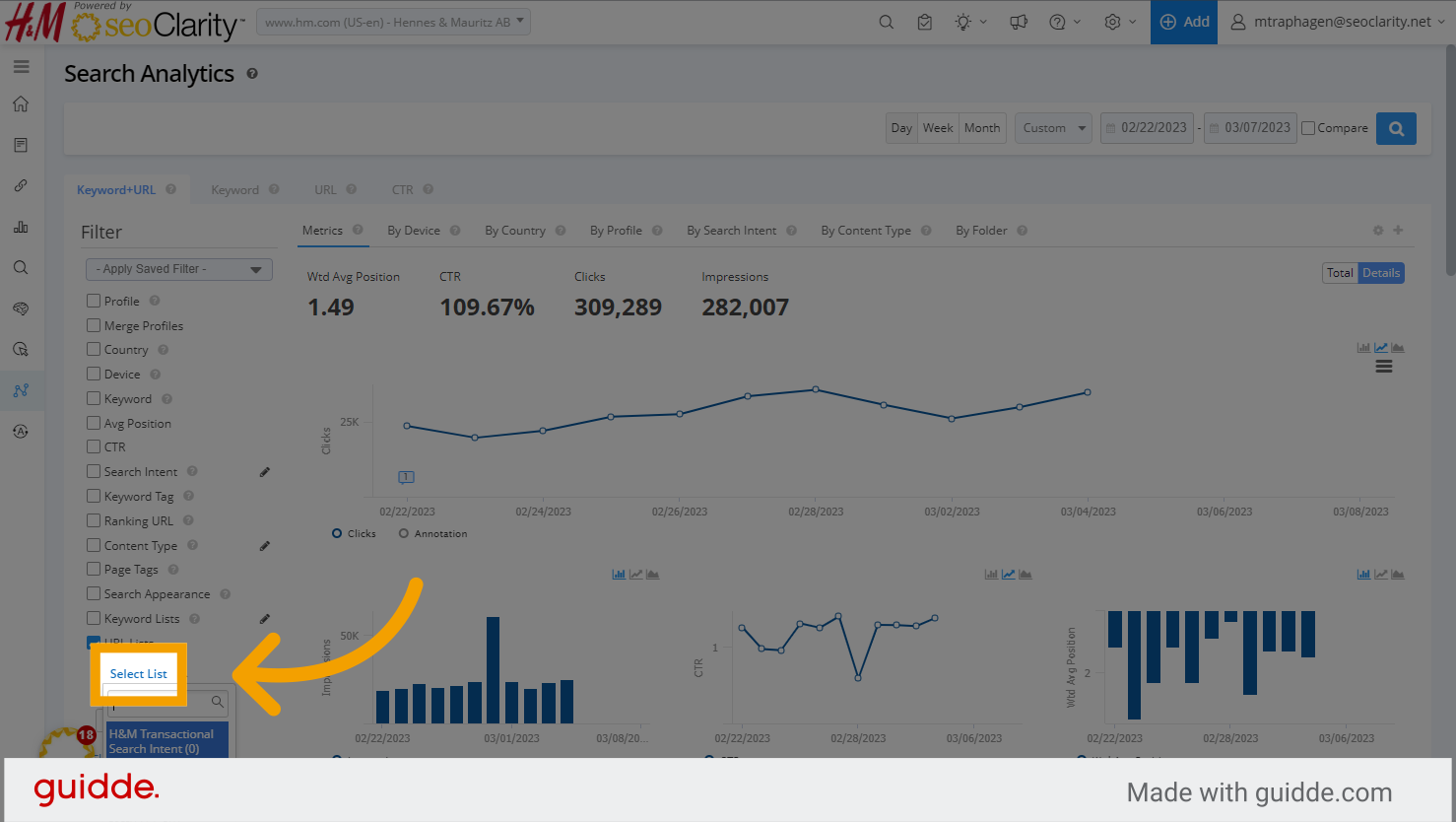
11. Choose the URL list you want to analyze
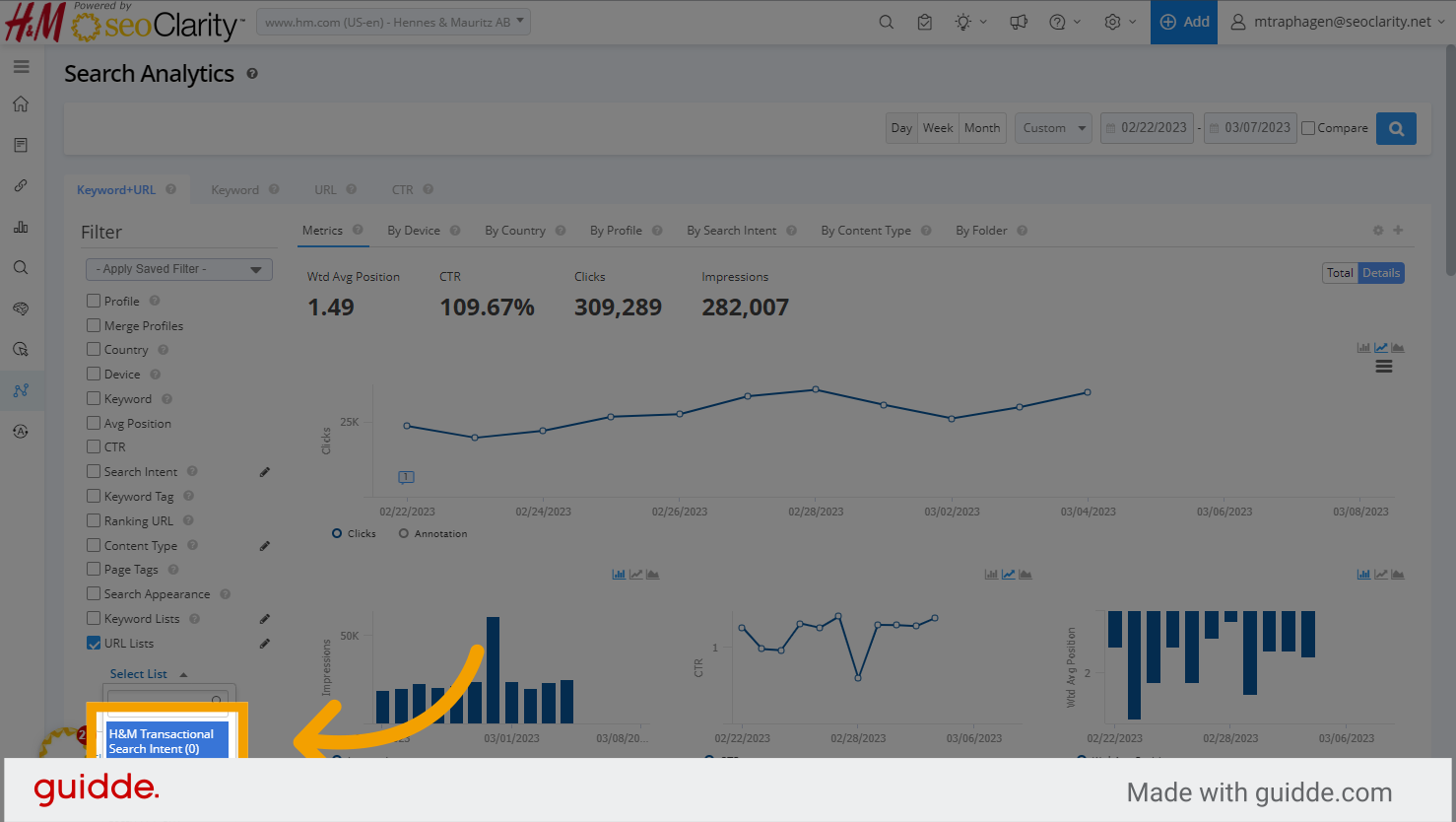
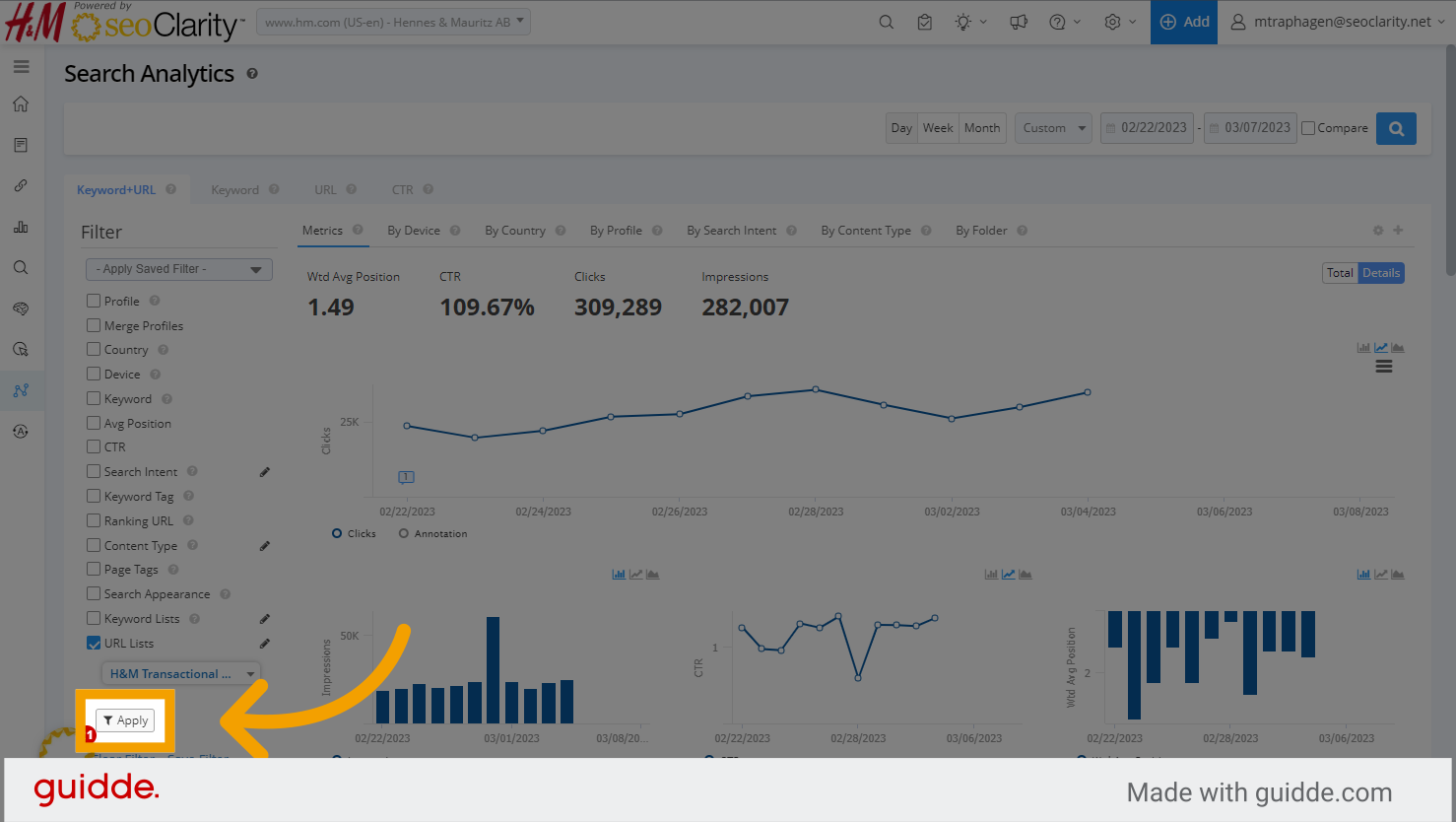
12. Click "Apply" and you'll be viewing analytics for just the URLs in your list