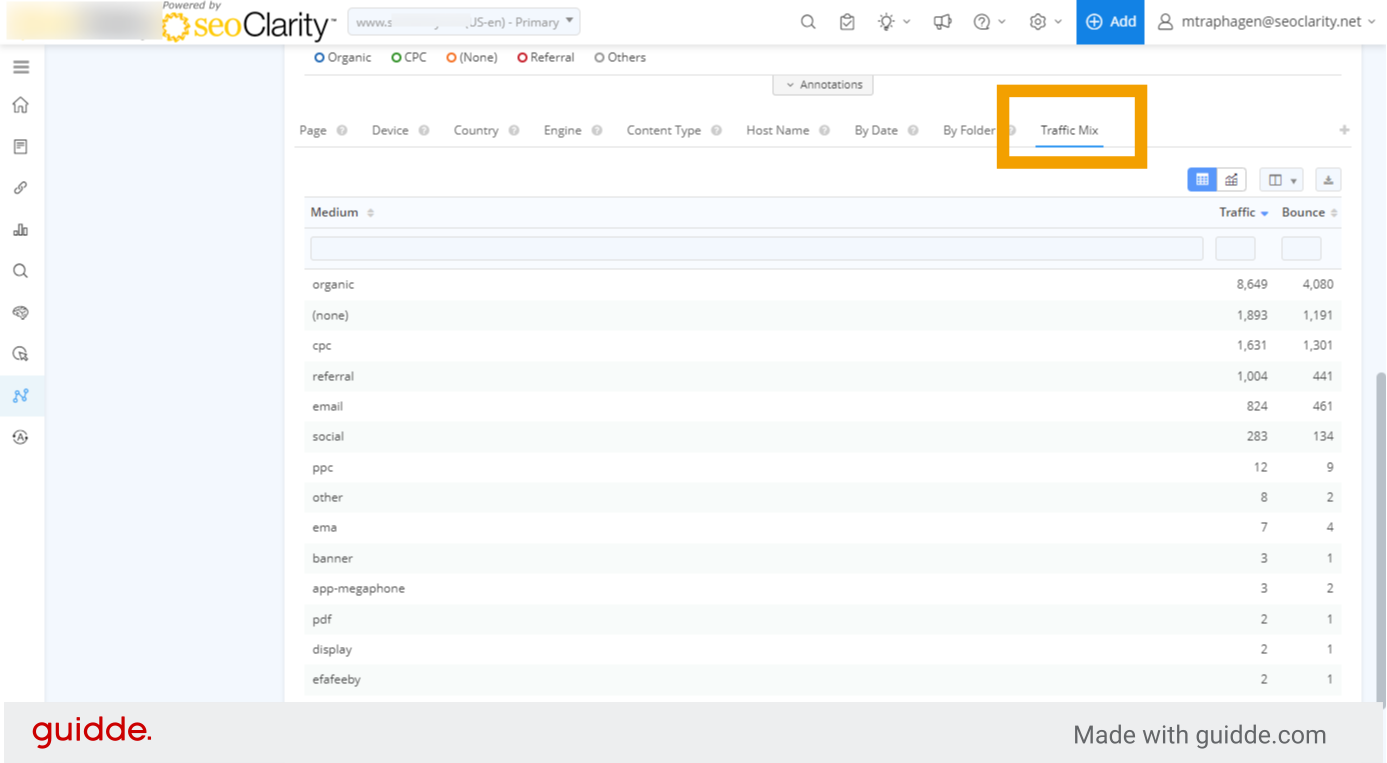
How to Use Traffic Mix Analysis in Site Analytics
Overview
Traffic Mix Analysis allows you to view all your marketing channels in one view.
Requirements
You must have Google Analytics integrated with your account for this feature to appear.
How to Use Traffic Mix Analysis
1. Traffic Mix Analysis in Site Analytics
Traffic Mix Analysis in seoClarity Site Analytics allows you to compare all your marketing channels in one view. You must have Google analytics integrated with seoClarity for this feature to appear.
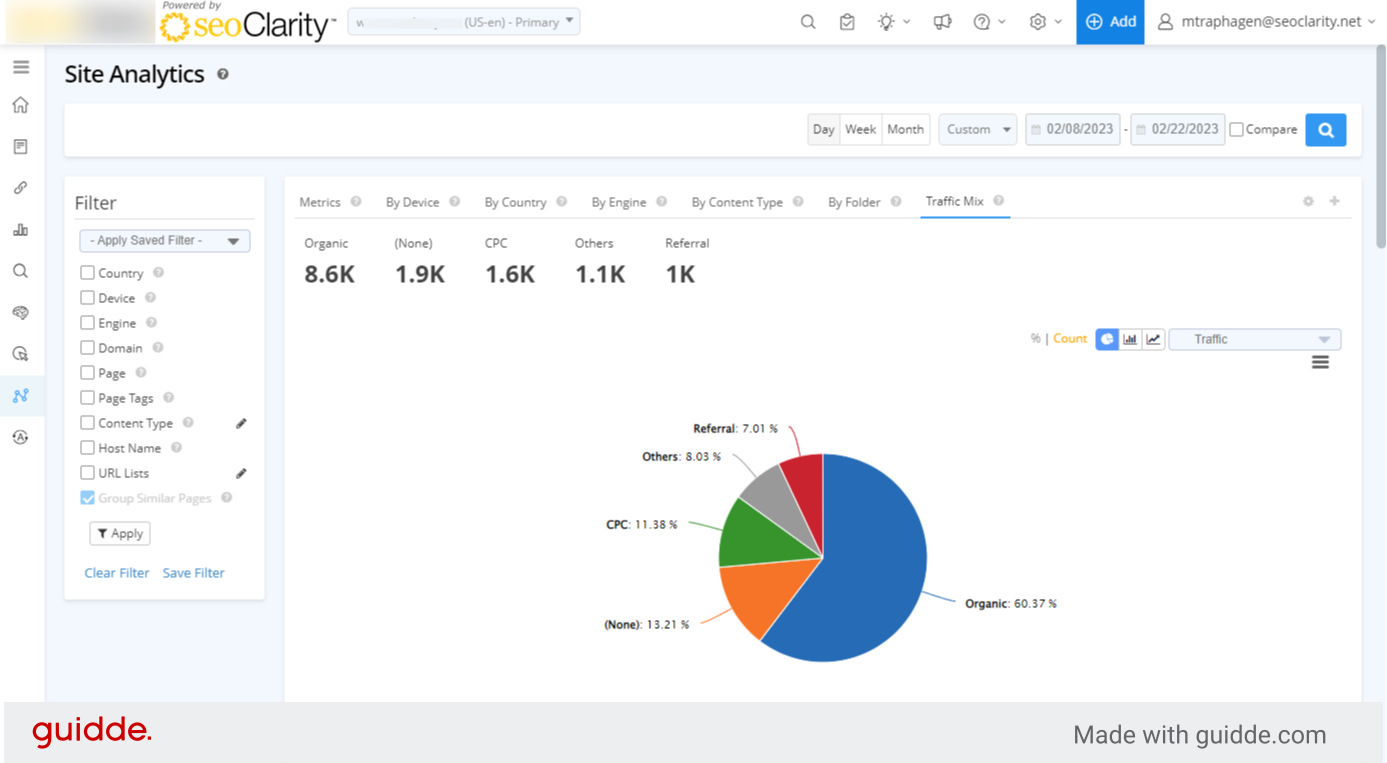
2. Click the Traffic Mix Analysis tab
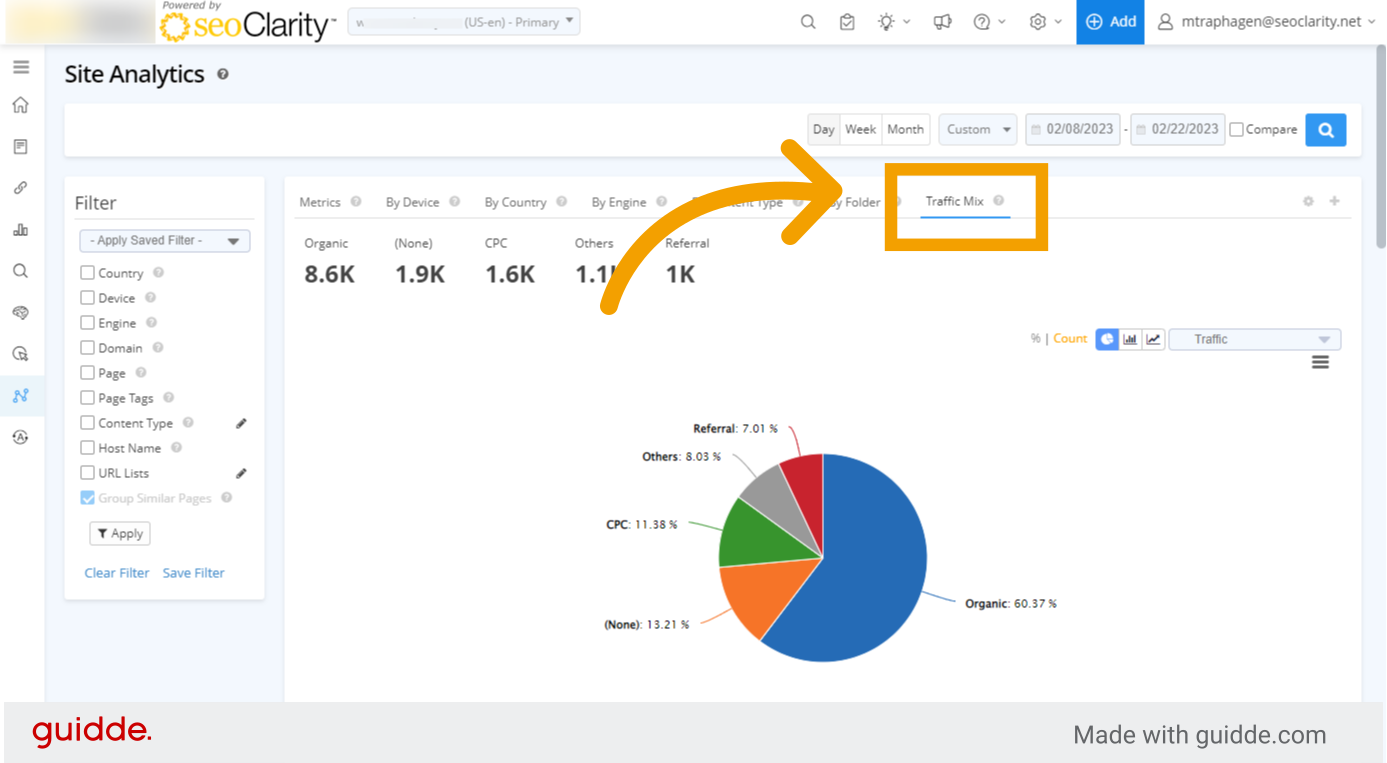
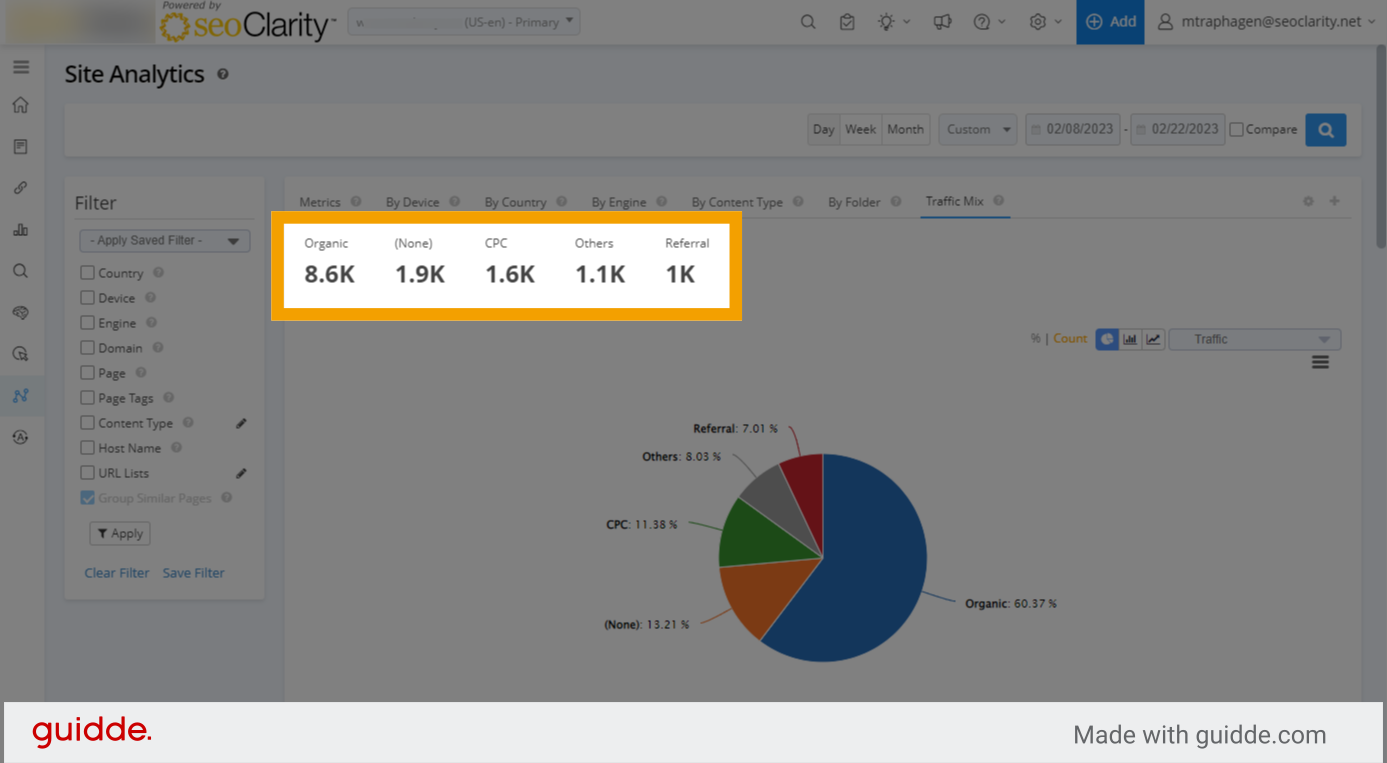
3. Summary of traffic by channel
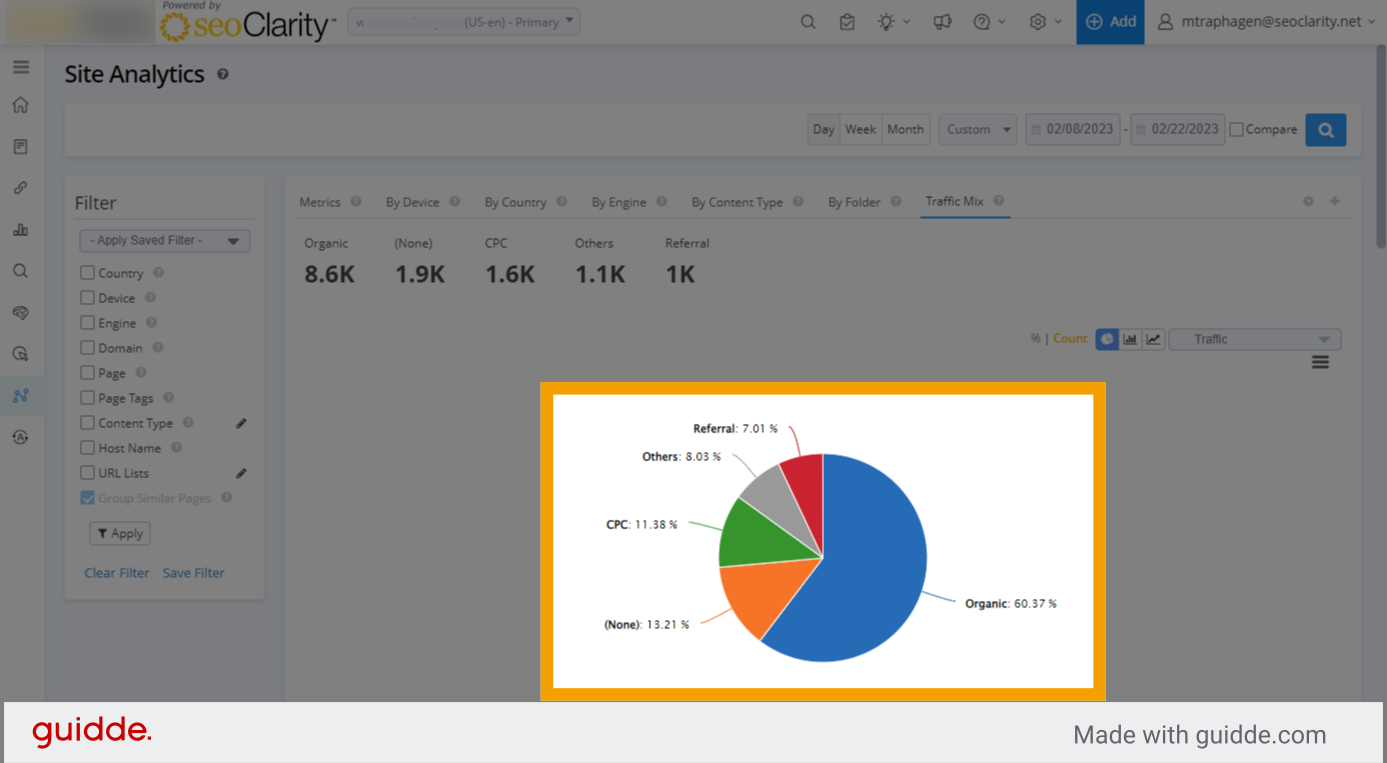
4. Pie chart of data
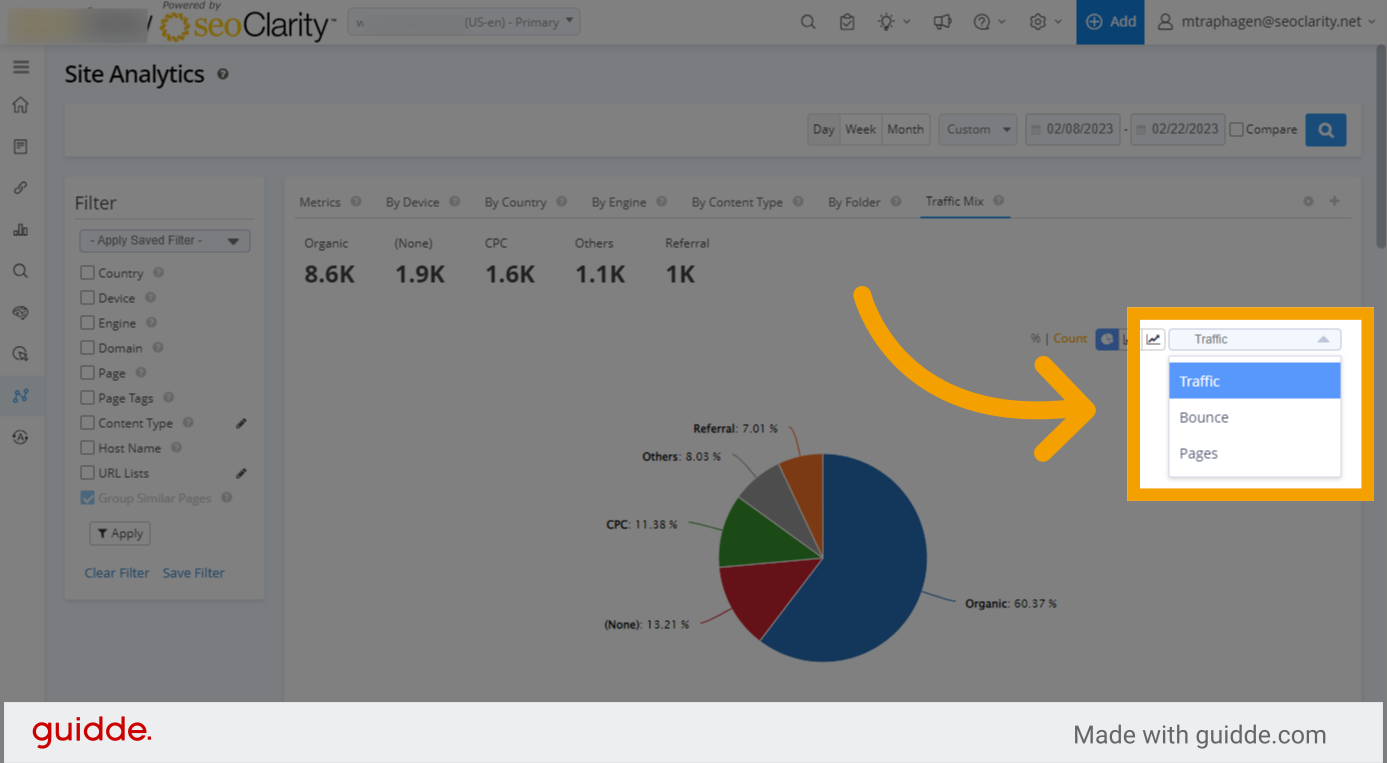
5. Change the displayed metric
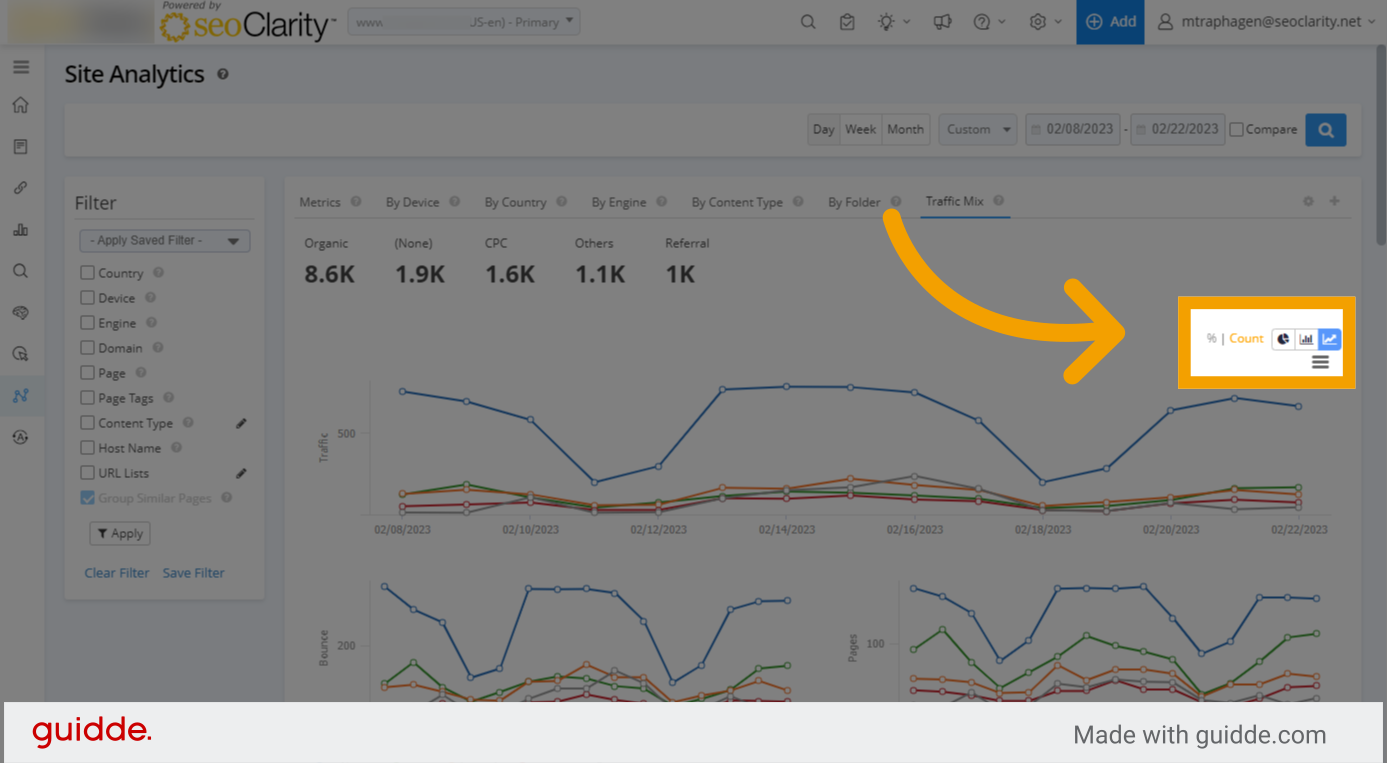
6. Change chart type
7. Trended line chart
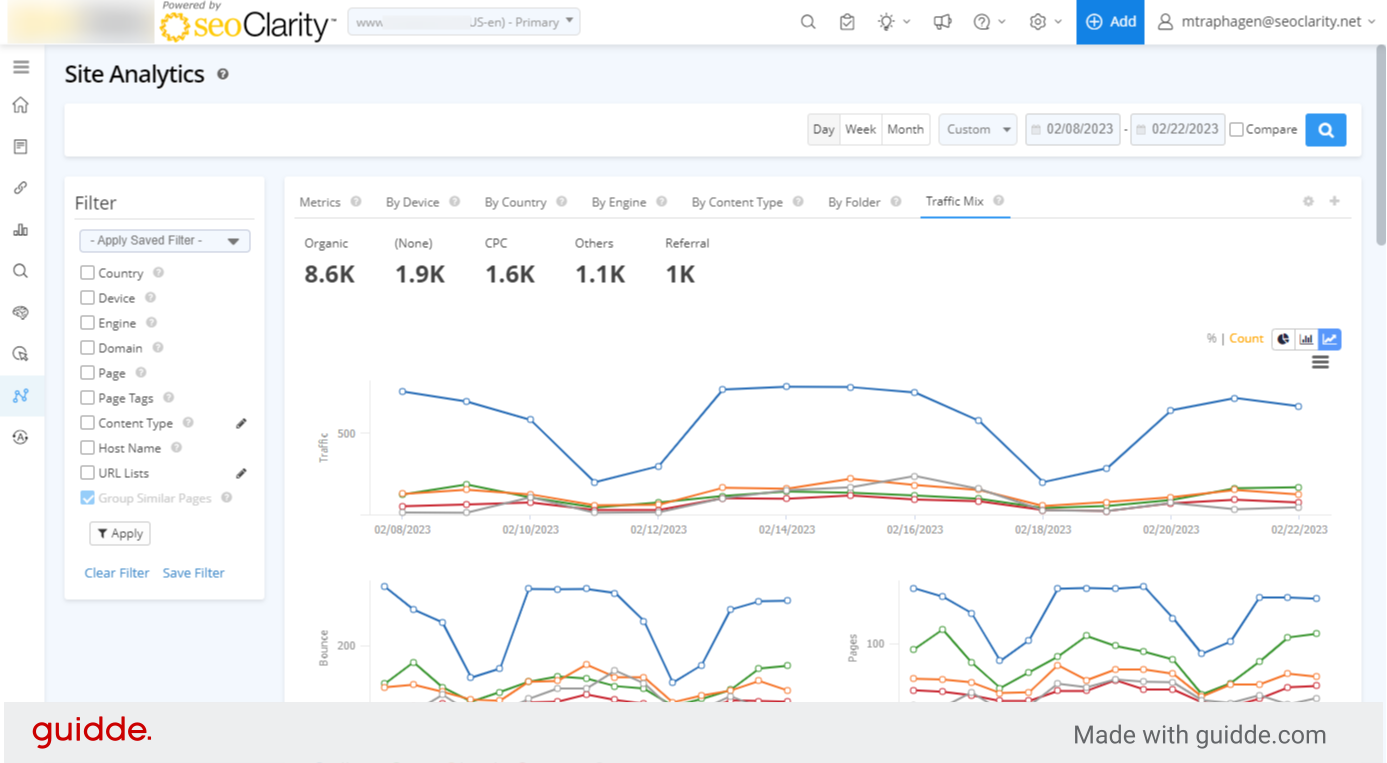
8. Trended bar chart
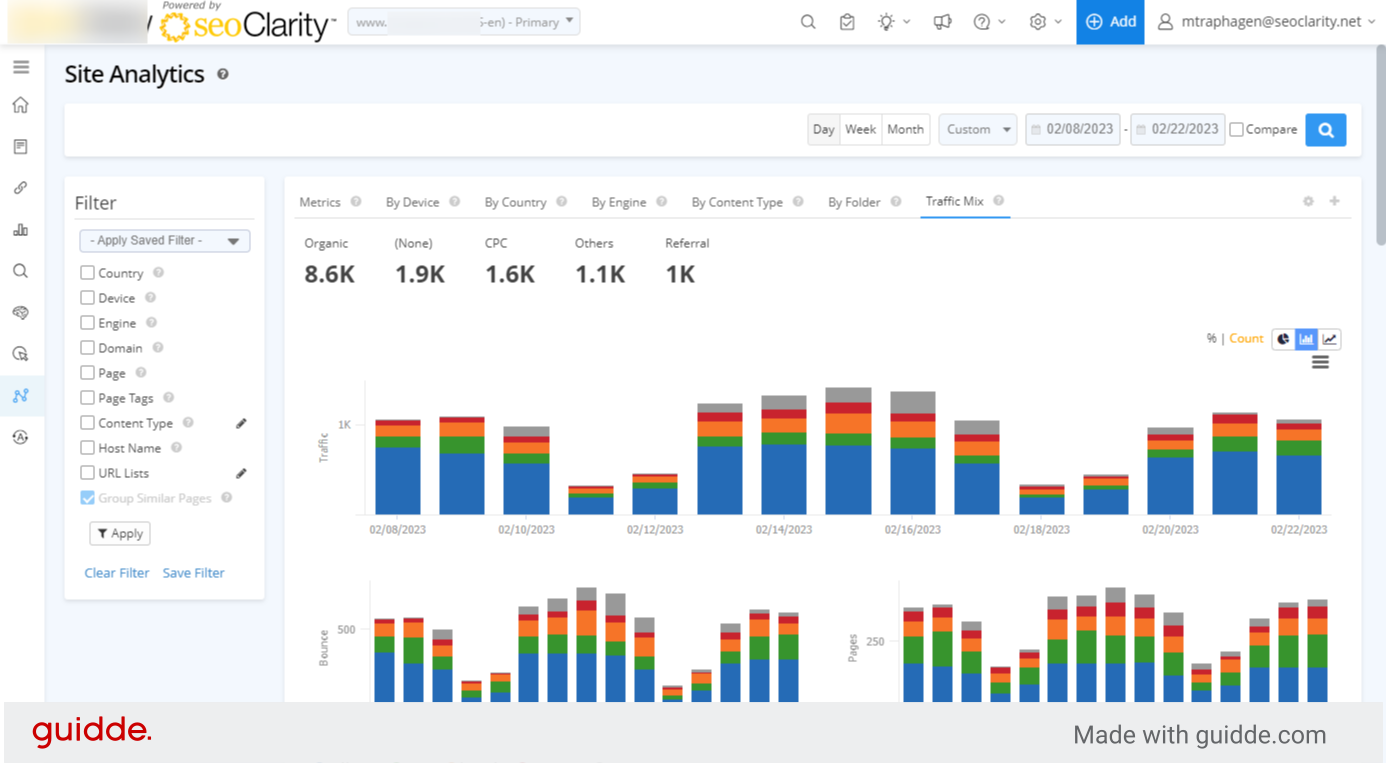
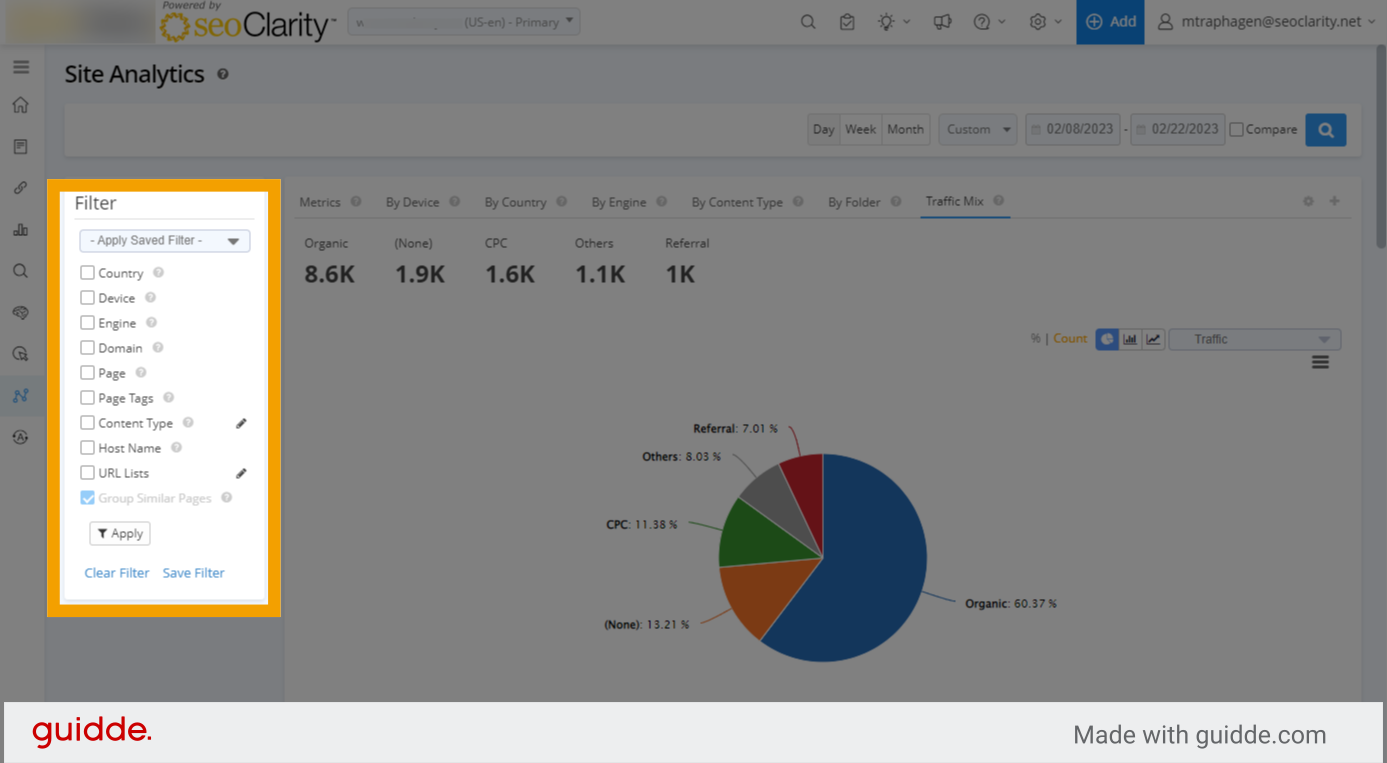
9. Use filters to further segment your view
10. Finally scroll down and click the traffic mix tab to see a table view of your channels