How to Identify a Competitor's New Pages
How to Identify a Competitor's New Pages

Quick Guidde

Step-by-Step instructions

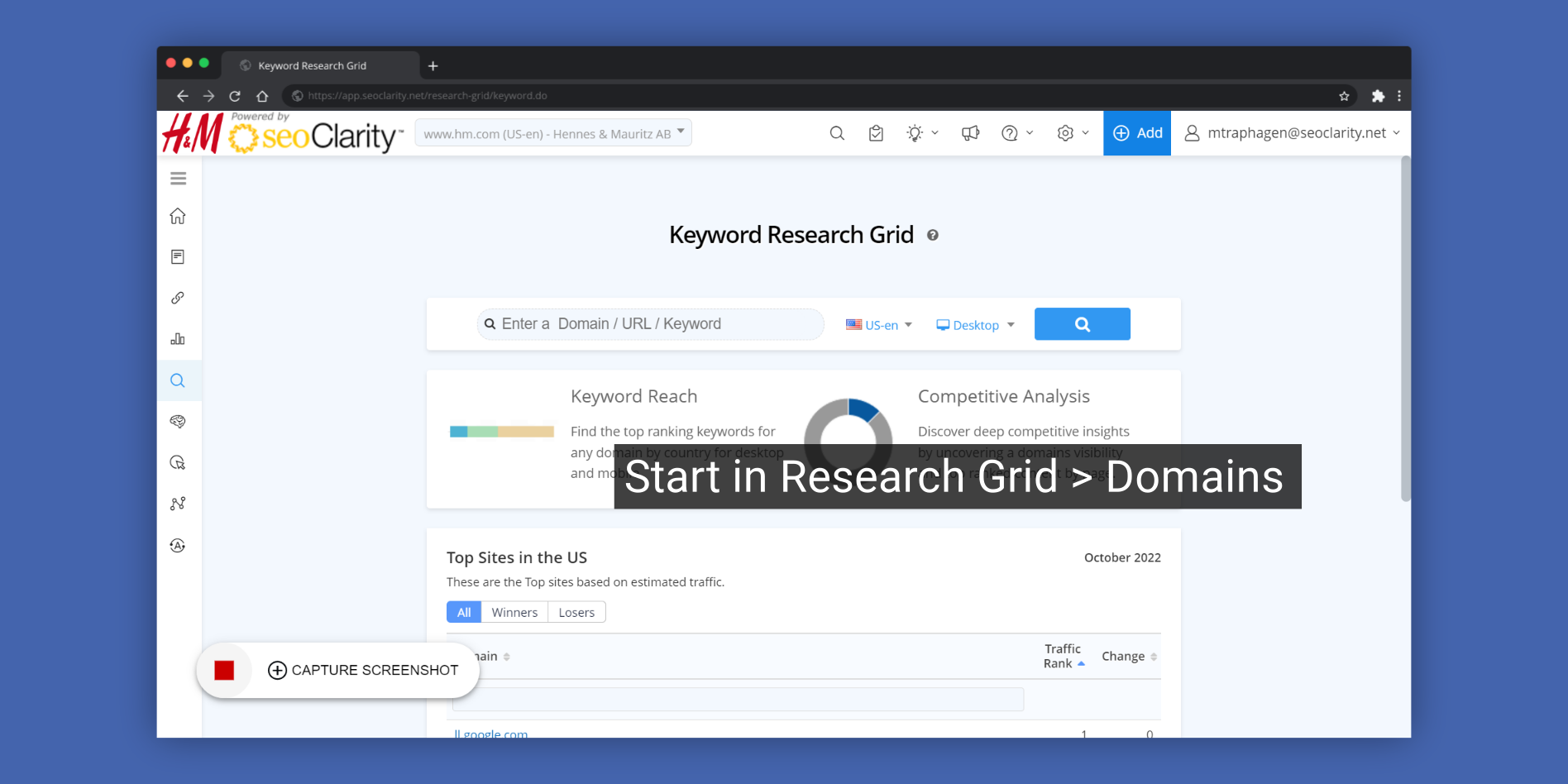
1. Start in Research Grid > Domains
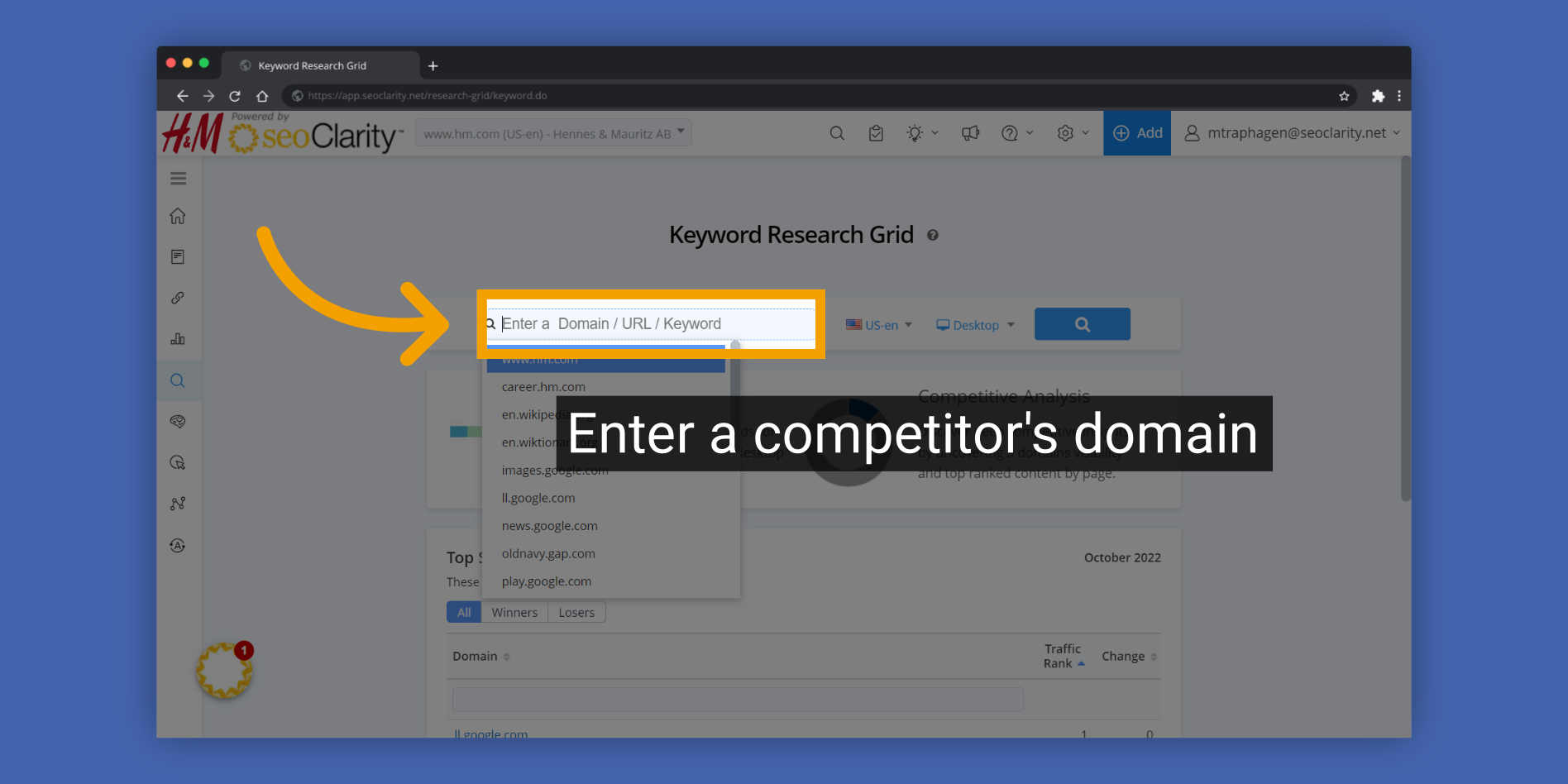
2. Enter a competitor's domain
Enter a competitor's domain

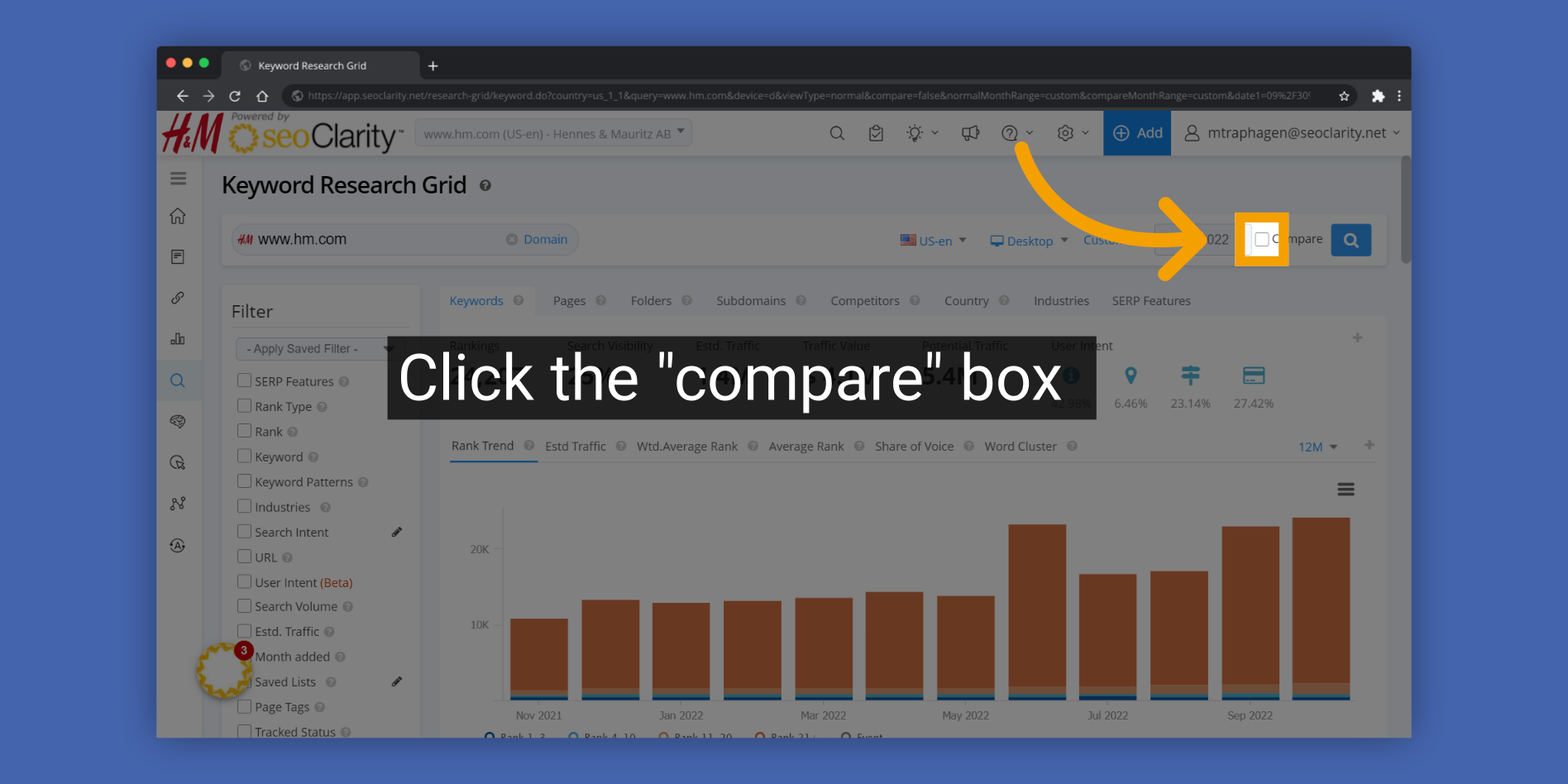
3. Click the "compare" box
Click the

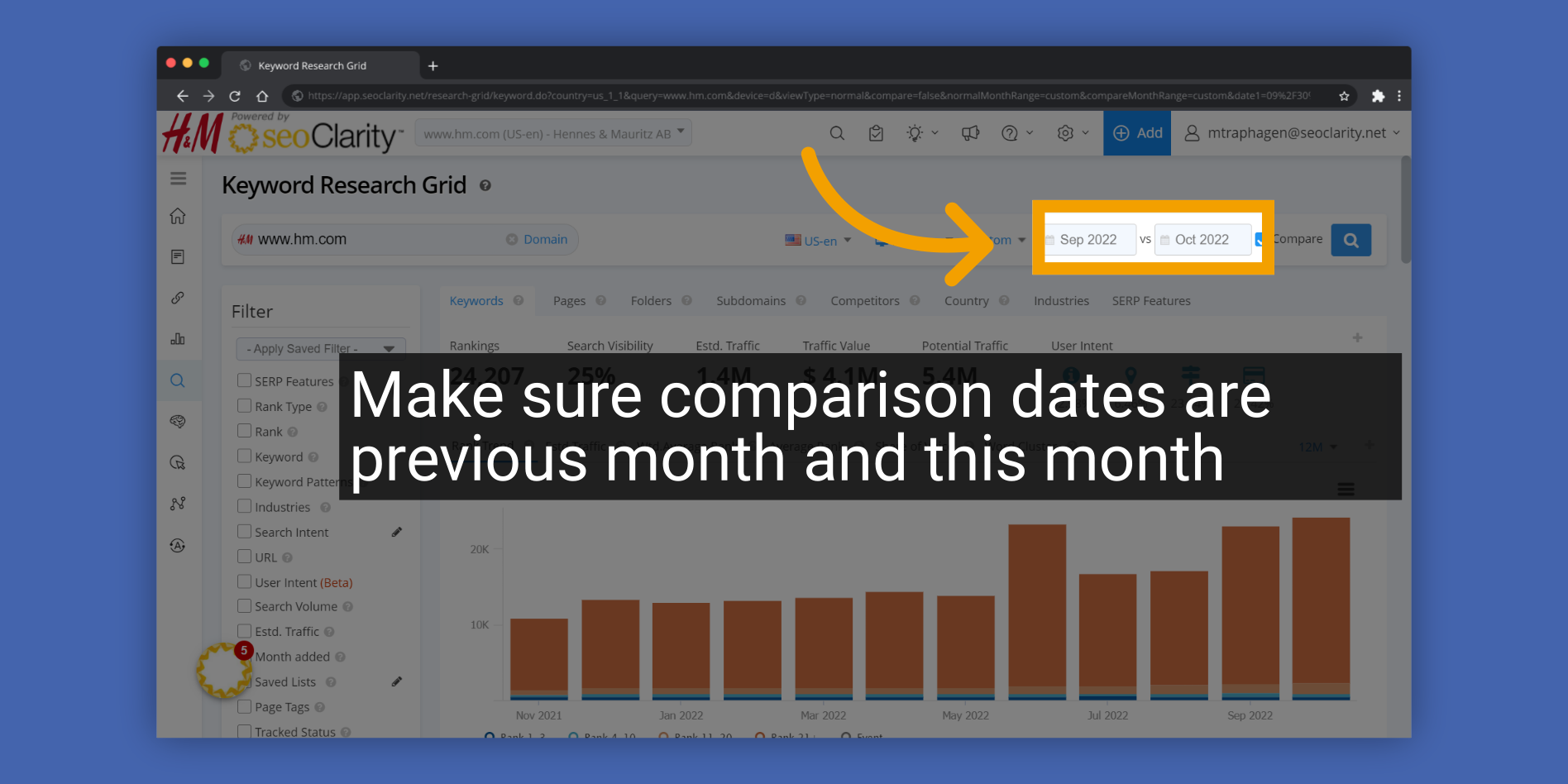
4. Make sure comparison dates are previous month and this month
Make sure comparison dates are previous month and this month

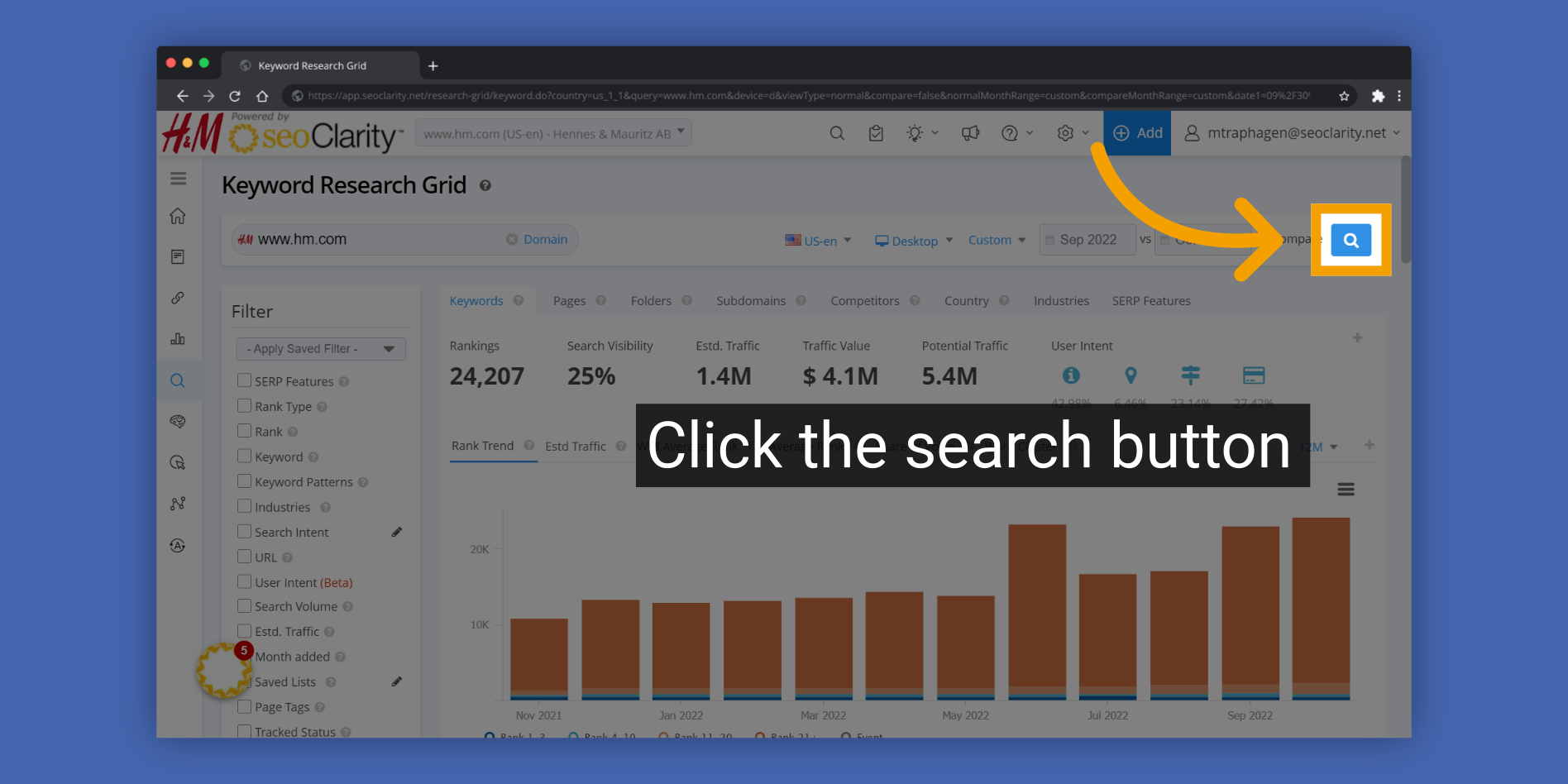
5. Click the search button
Click the search button

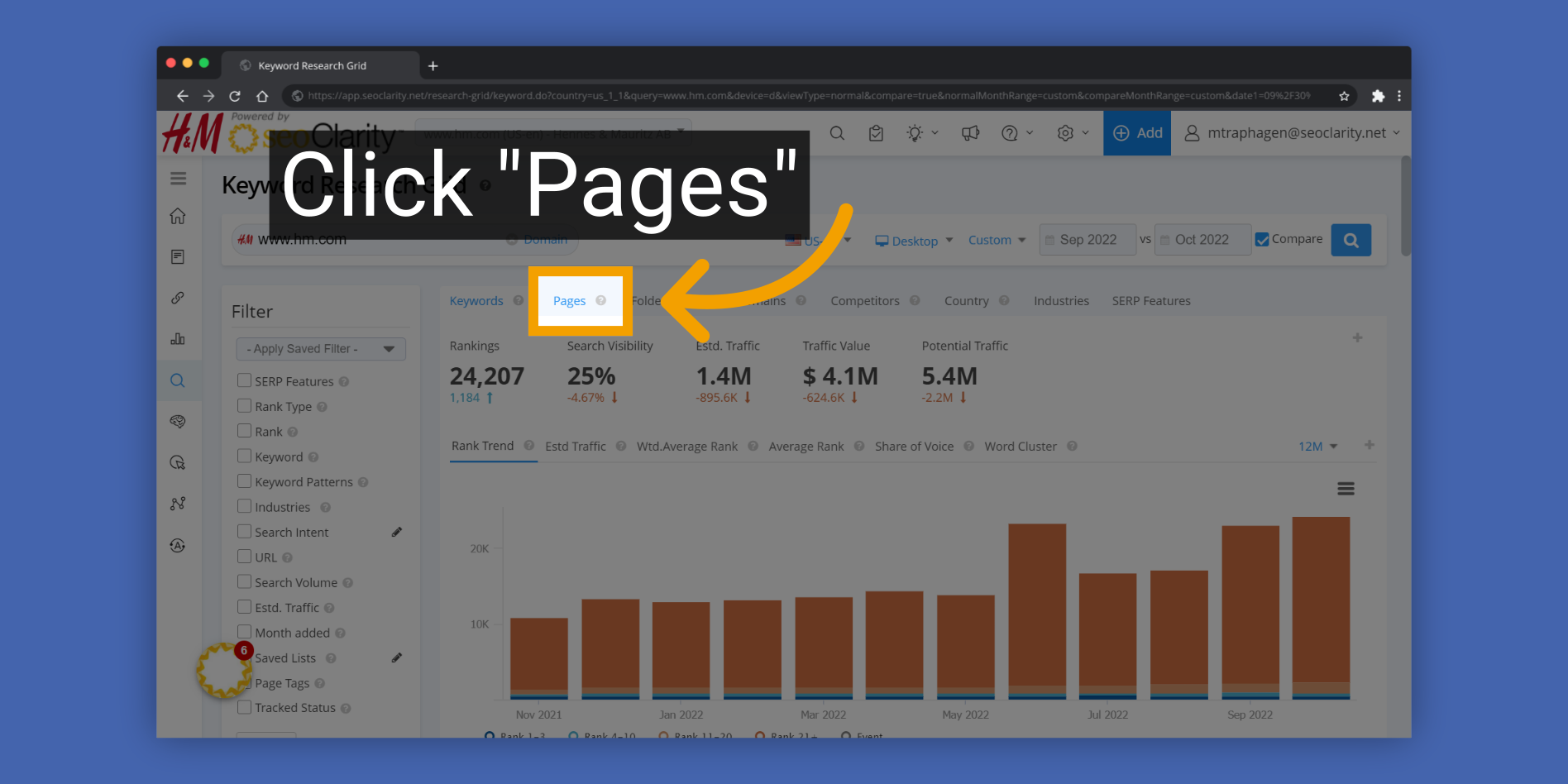
6. Click "Pages"
Click

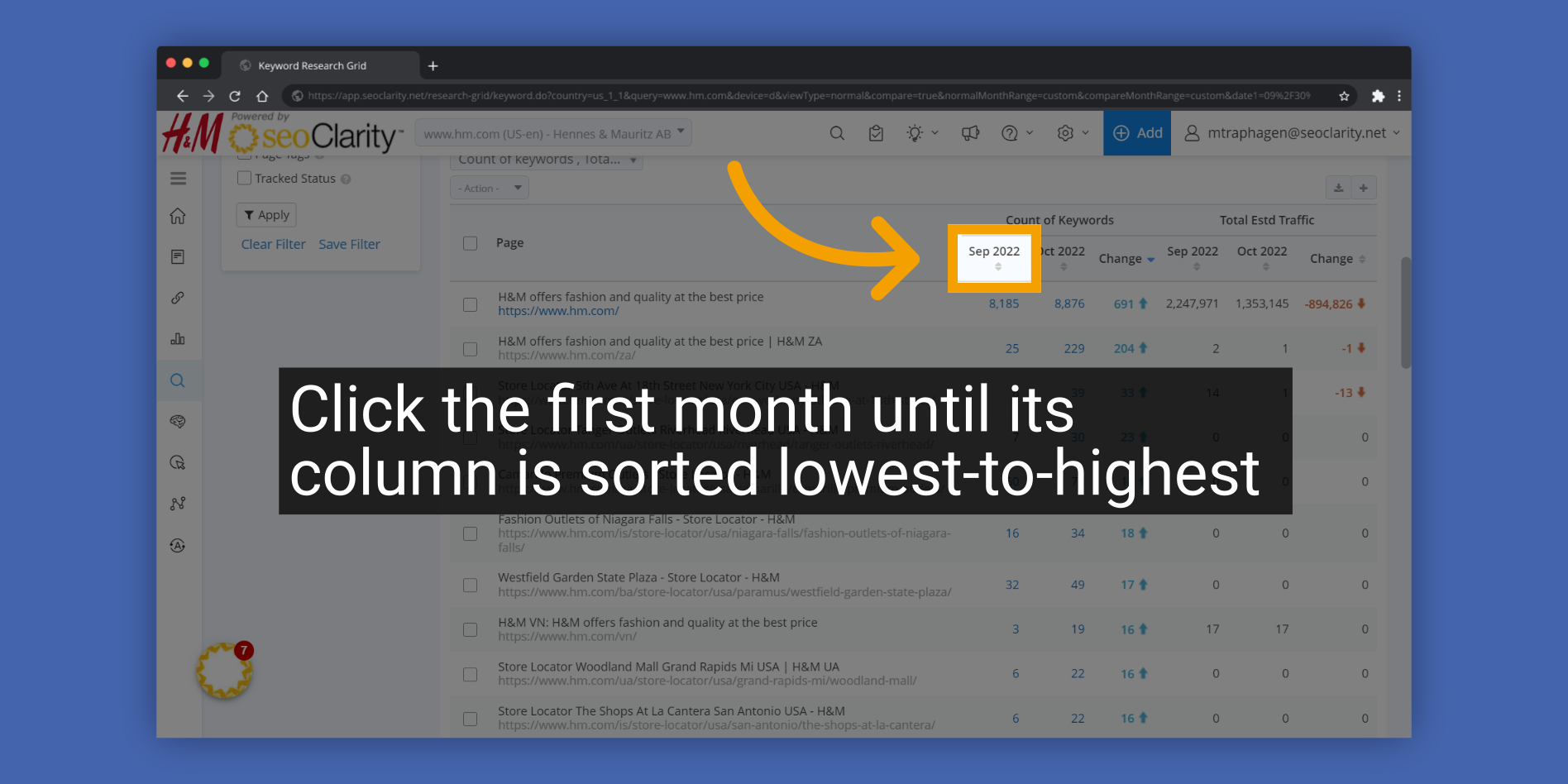
7. Click the first month until its column is sorted lowest-to-highest
Click the first month until its column is sorted lowest-to-highest

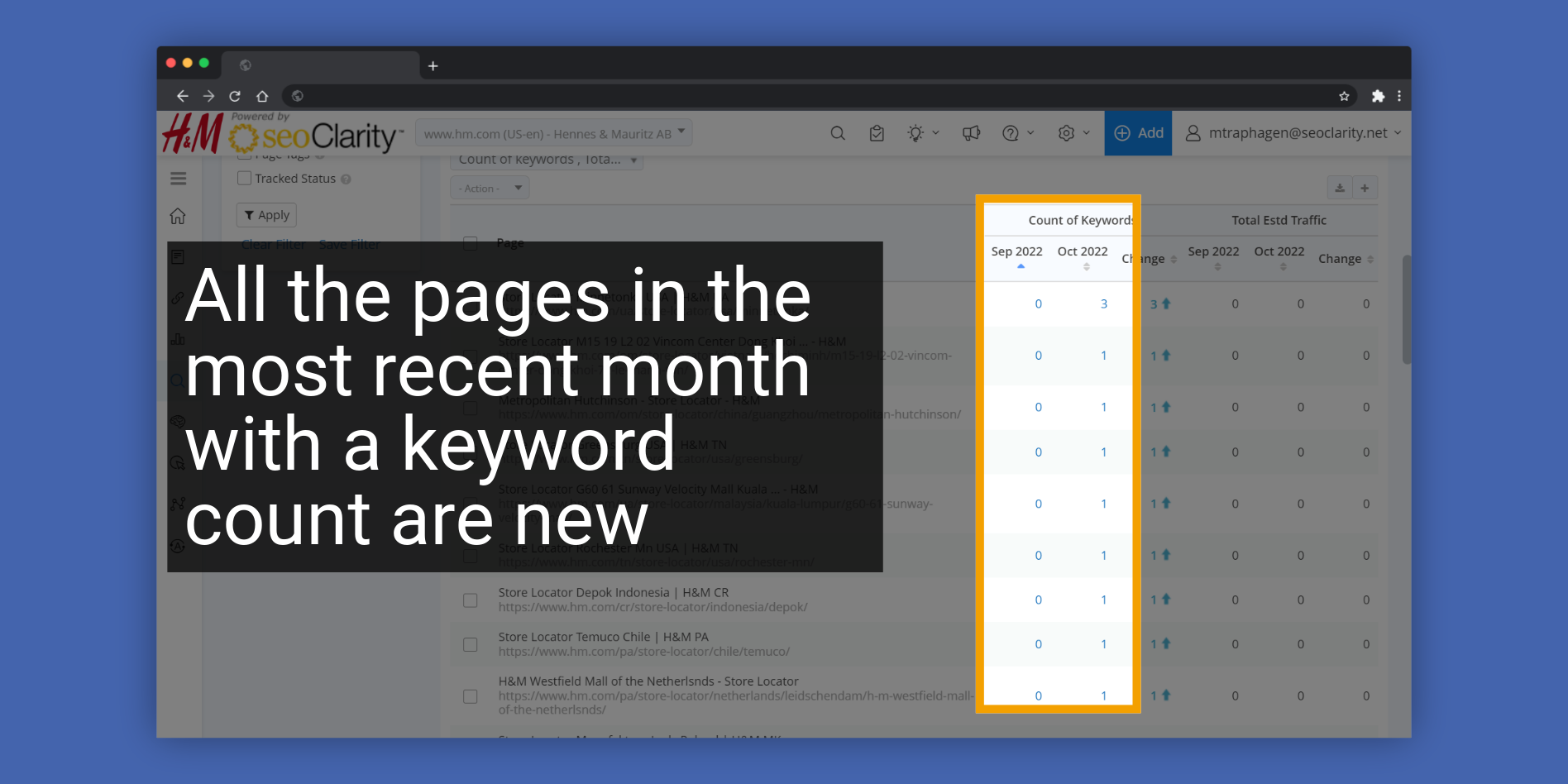
8. All the pages in the most recent month with a keyword count are new pages
All the pages in the most recent month with a keyword count are new pages

    • Related Articles

    • New Domain Provisioning: How To Request Profile Creation In seoClarity

      Overview To have a new domain profile provisioned within the seoClarity platform, the attached form needs to be filled out. Once filled out, the form will automatically create a Support Ticket and put you in touch with our Support team. Notice: ...
    • How to Identify a Competitor's New Pages

      How to Identify New Competitor Pages Step-by-Step instructions 1. Start in Research Grid > Domains 2. Enter a competitor's domain 3. Click the "compare" box 4. Make sure comparison dates are previous month and this month 5. Click the search button 6. ...
    • Why are my Site Analytics Data Metrics not Populating in Managed Pages?

      If your Site Analytics metrics are not displaying in your Managed Pages, it might be due to a mismatch in the URLs. Often, this happens when one URL has a trailing slash (/) and the other does not. *Typically, the URL in Site Analytics is the one ...
    • Page Tags

      Page Tags Overview This walkthrough will take you through the process of adding, editing, and deleting Page Tags in the seoClarity platform. This is a high-level overview of the Page Tags basics which will get you started in the tool. After going ...
    • Page Clarity Managed Pages

      Page Clarity Overview This overview provides an easy understanding of the Page Clarity tool. It was designed to enable you to monitor and manage your Target URLs at any level you choose. This guide will walk you through the process of adding URLs, ...