How to Create and Use Keyword Lists in Topic Explorer
How to Create a Keyword List in Topic Explorer
You can put any group of keywords you find in Topic Explorer into a Keyword List so you can access them as a group later for further research.
Please note updates to keyword lists can take up to 8 hours to be reflected in the platform.
Step by step instructions below the video:
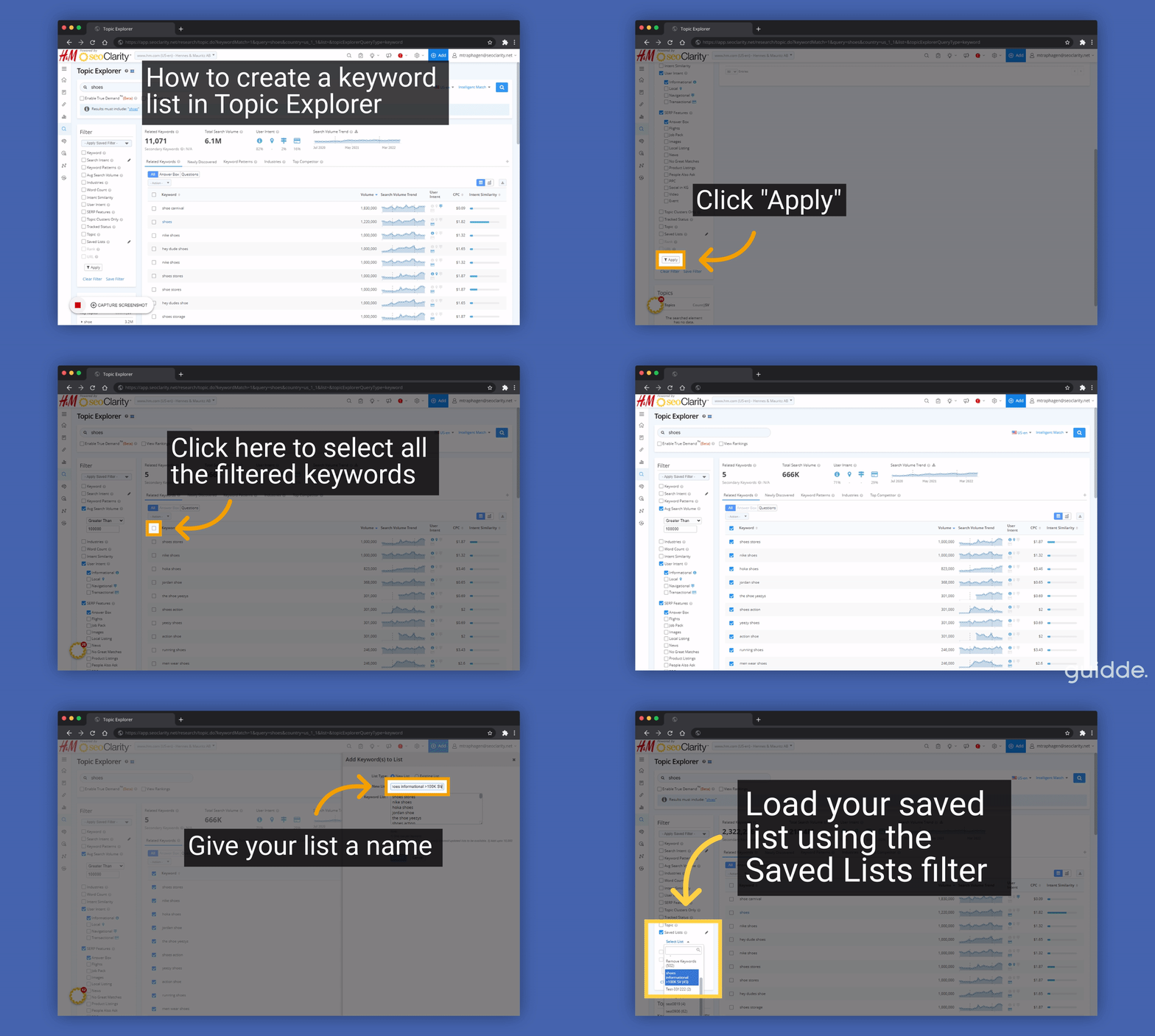
1. Use filters to build the segment you want
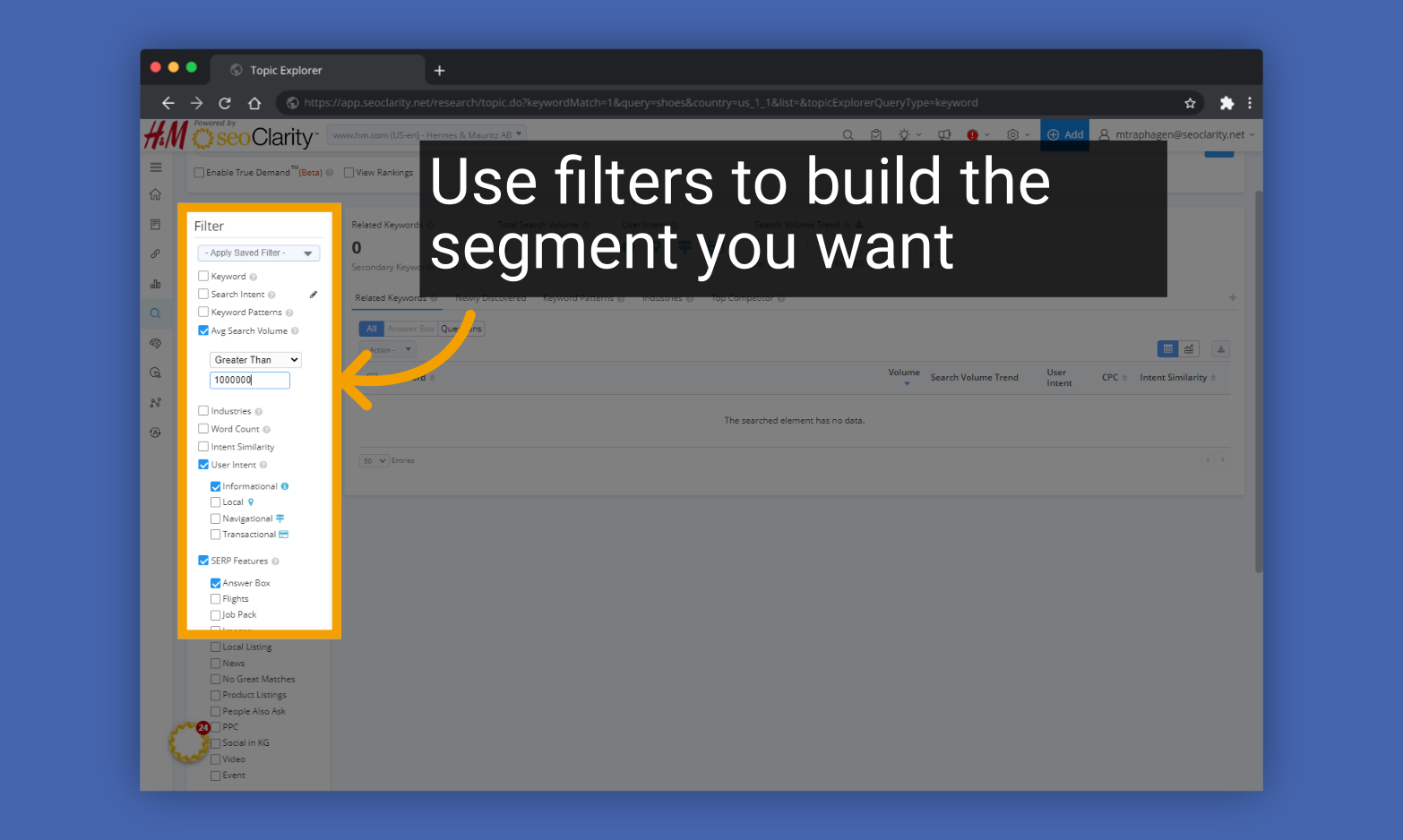
2. Click "Apply" to apply the filters.

3. Click the box at the top of the keyword list to select all the filtered keywords
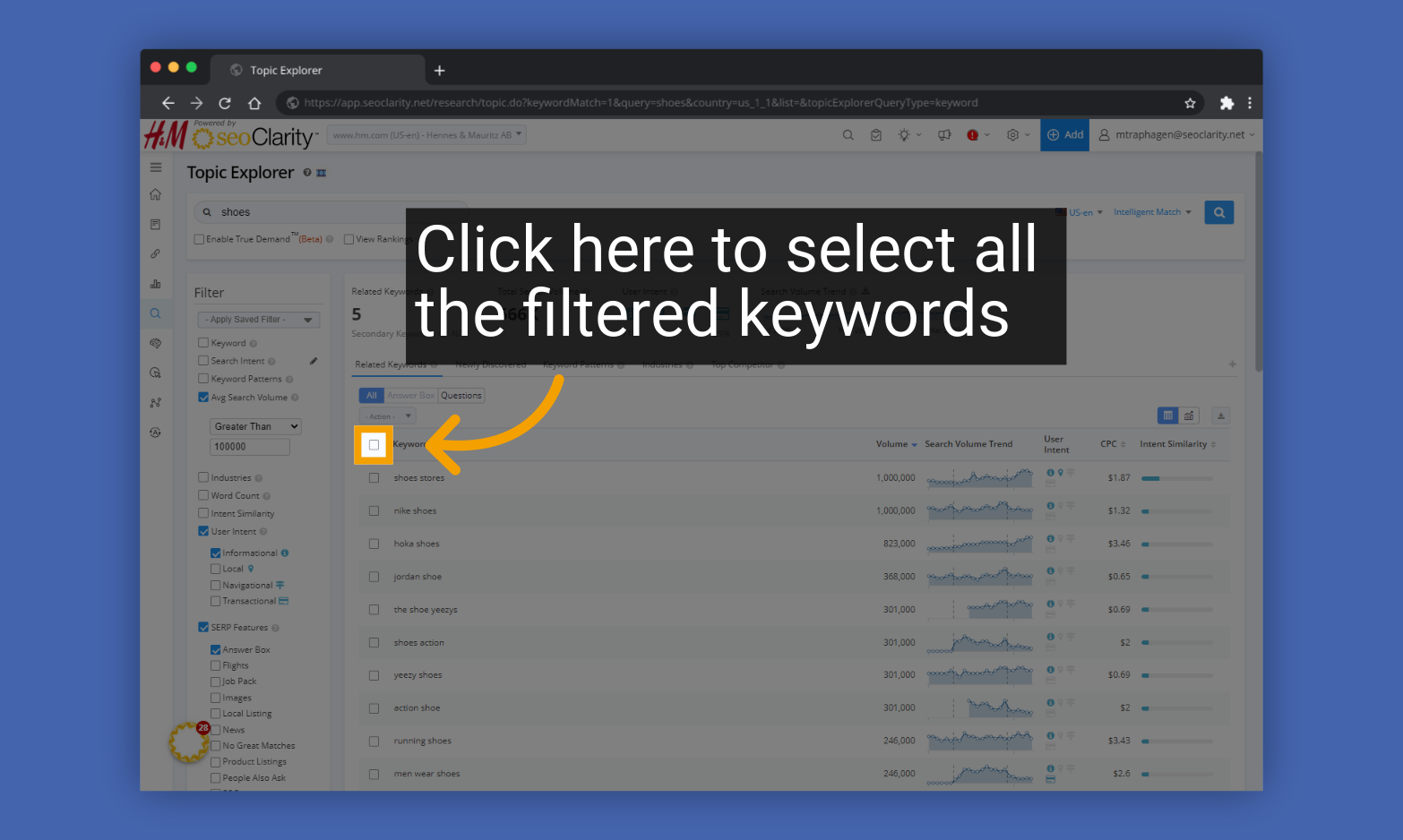
4. Click the Actions menu and select "Add to Lists"
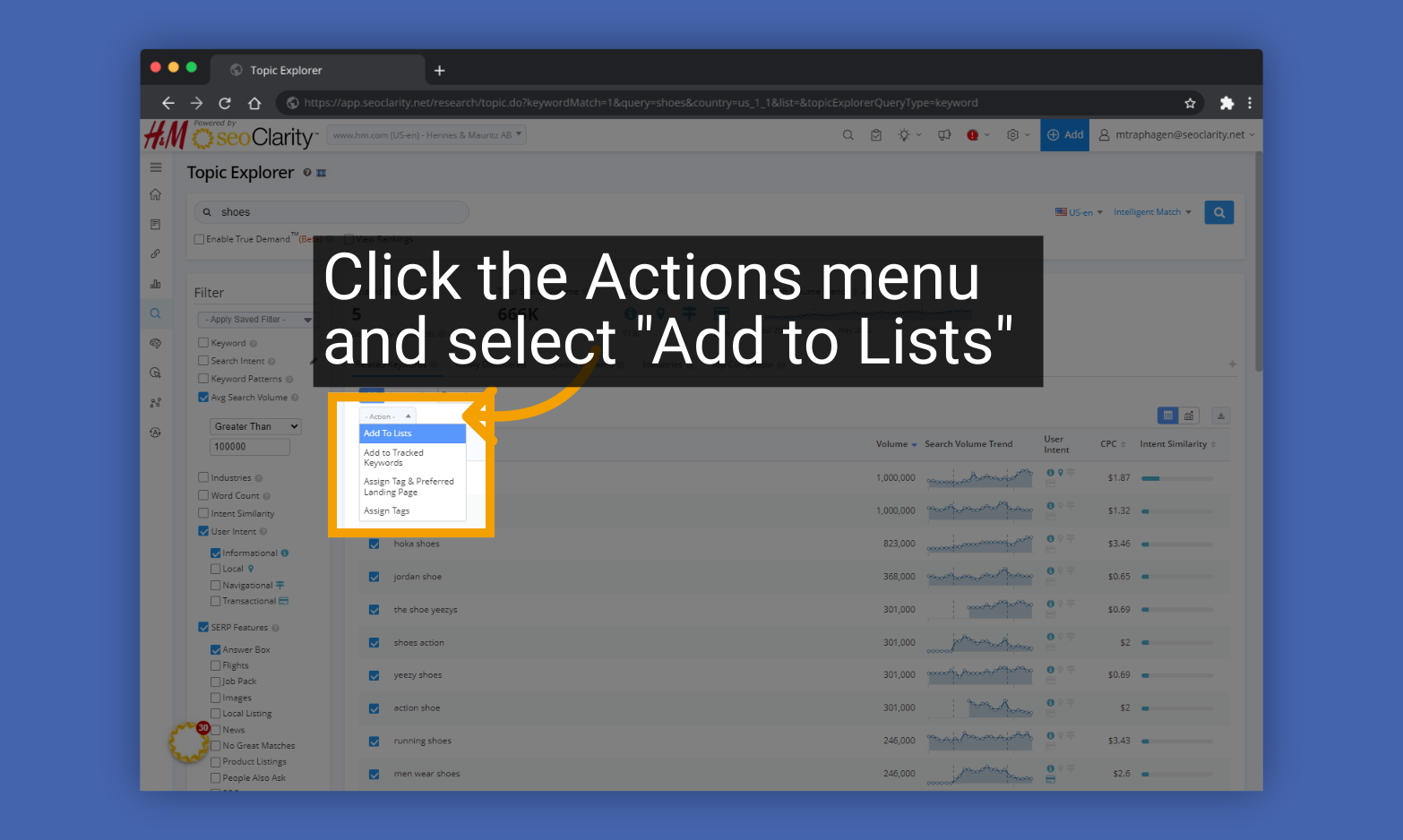
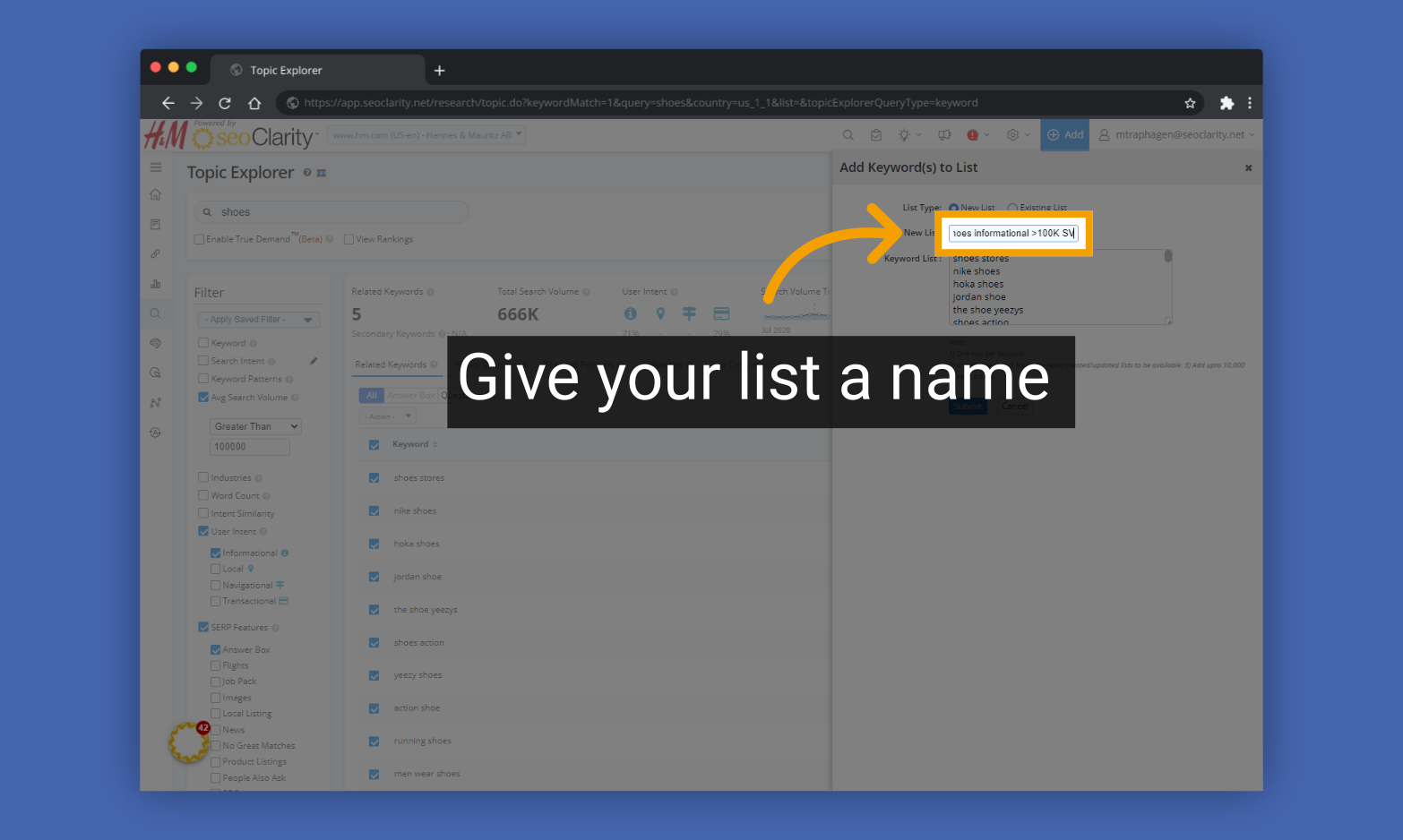
5. Give your list a name
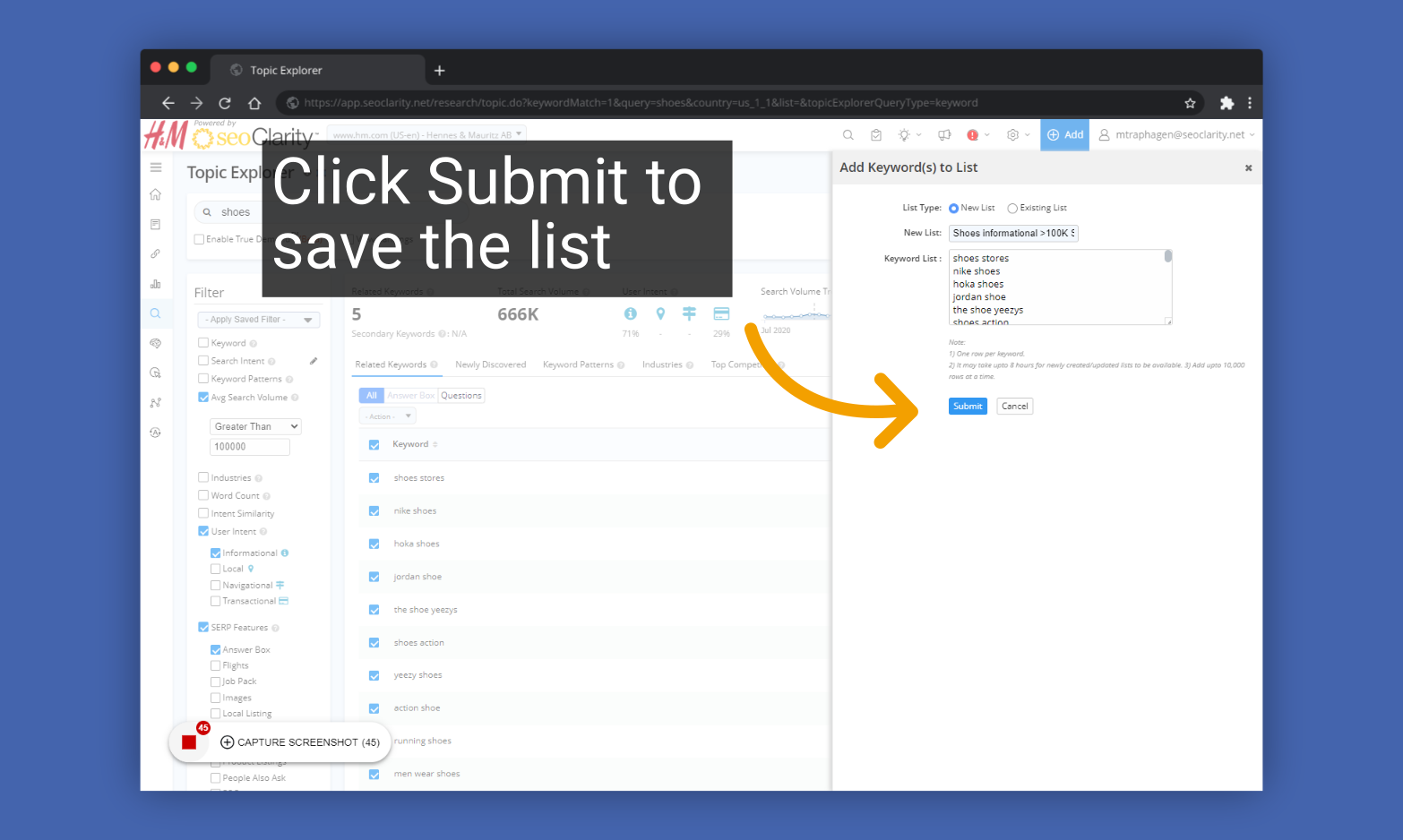
6. Click Submit to save the list
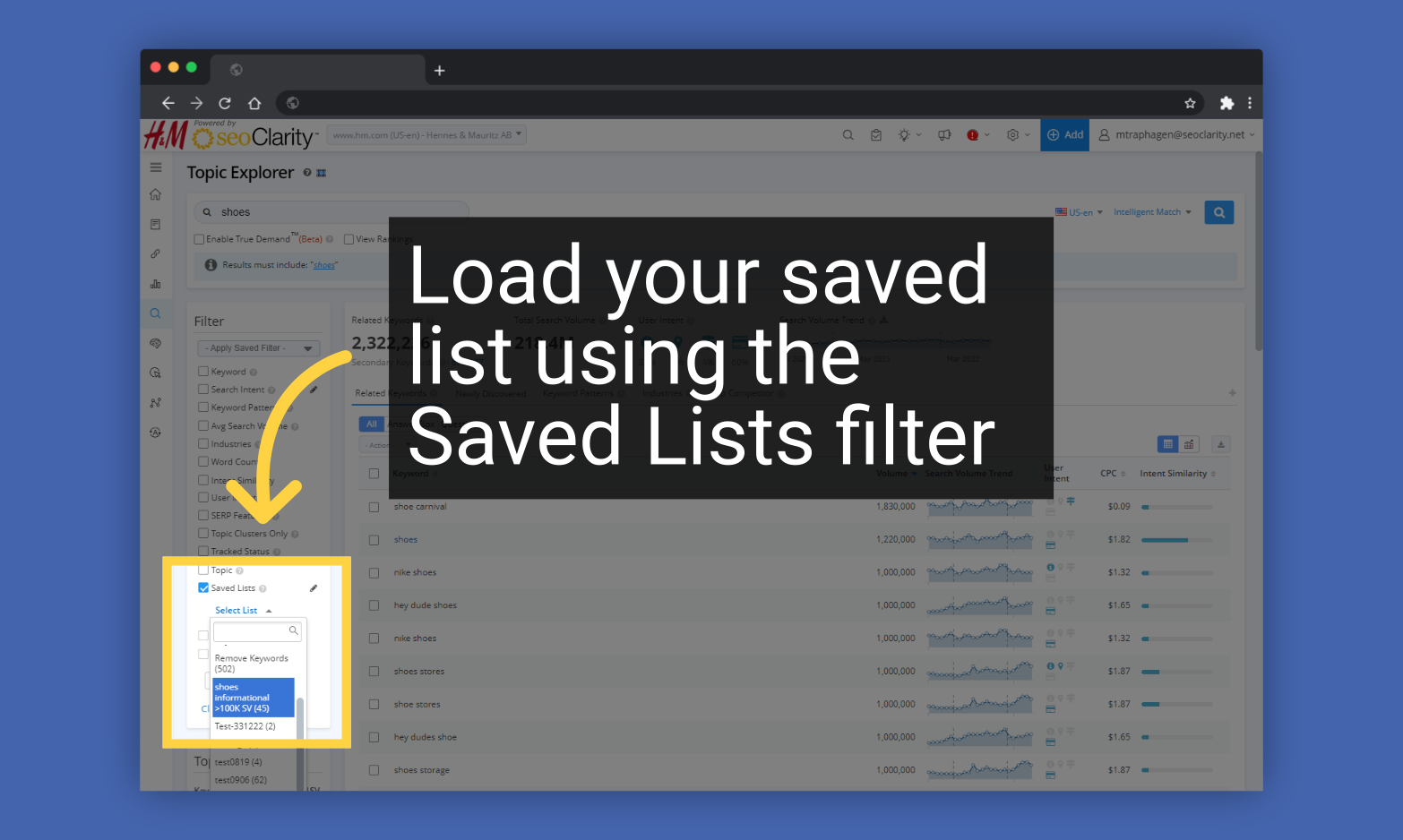
To use your Keyword List later, find it under the Keyword fLists filter in Topic Explorer
Related Articles
How to Create and Use Keyword Lists in Topic Explorer
How to Create a Keyword List in Topic Explorer You can put any group of keywords you find in Topic Explorer into a Keyword List so you can access them as a group later for further research. Please note updates to keyword lists can take up to 8 hours ...
Topic Explorer
Topic Explorer Overview Topic Explorer lets you search any keyword or topic within our Research Grid database to discover related terms that share similar audience intent. It’s a great way to understand what your audience is really searching for, so ...
What are Keyword Lists and how can I edit them?
Keyword Lists are a way to organize keywords from the Research Grid or Search Analytics into groups for filtering. This allows for the creation and use of keyword lists across different features of the Research Grid & Search Analytics. Learn More ...
ArcAI Explorer
ArcAI Explorer Overview The ArcAI Explorer is designed to solve one of the most challenging aspects of AI search optimization: identifying which topics are important enough to track. As AI search engines do not typically share metrics like search ...
Using View Rankings with Keyword Lists in Topic Explorer (VIDEO)
Discover the use cases for viewing rankings for keywords associated with a keyword list in Topic Explorer.