How to Create and Use Keyword Lists in Topic Explorer
How to Create a Keyword List in Topic Explorer
You can put any group of keywords you find in Topic Explorer into a Keyword List so you can access them as a group later for further research.
Please note updates to keyword lists can take up to 8 hours to be reflected in the platform.
Step by step instructions below the video:
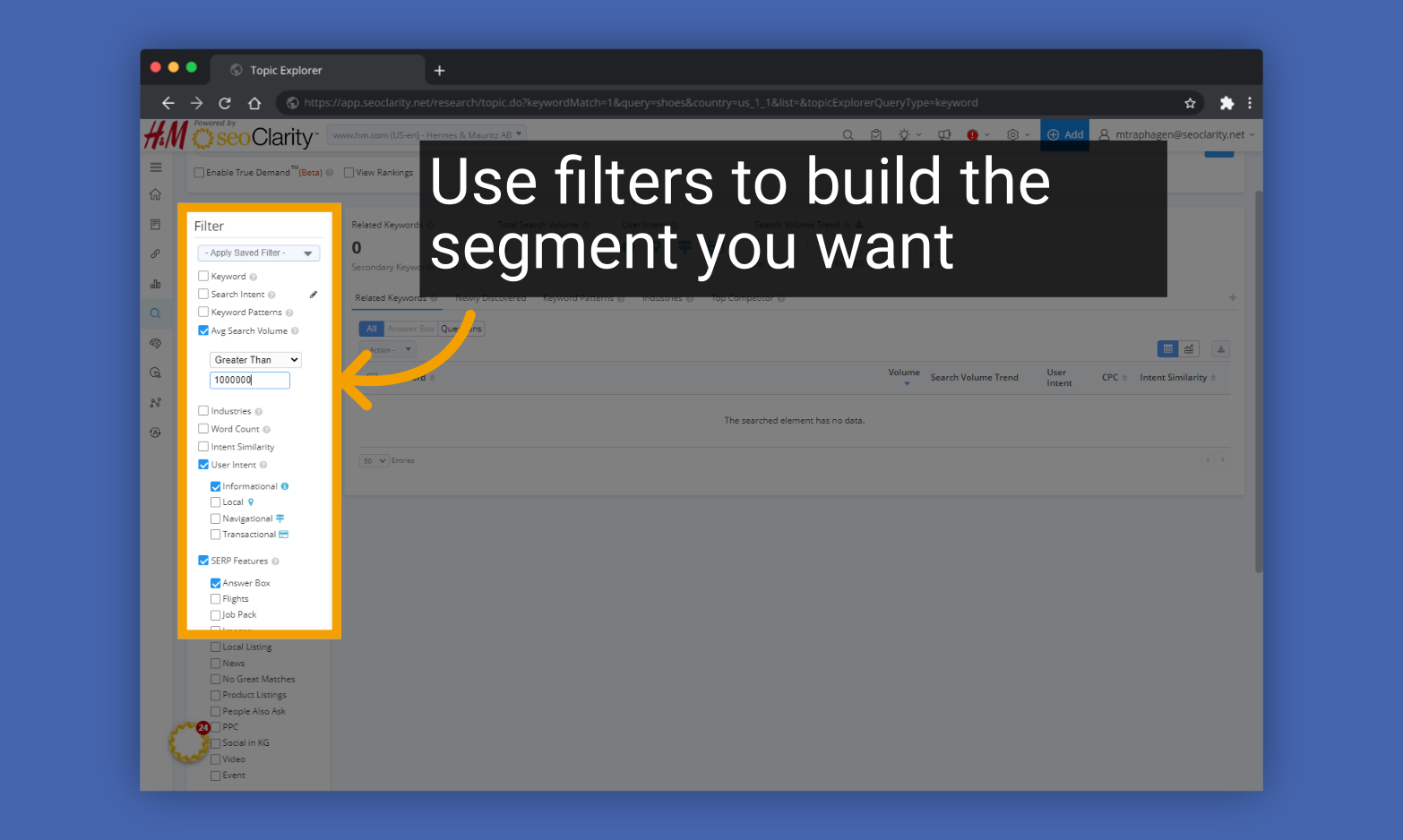
1. Use filters to build the segment you want
2. Click "Apply" to apply the filters.

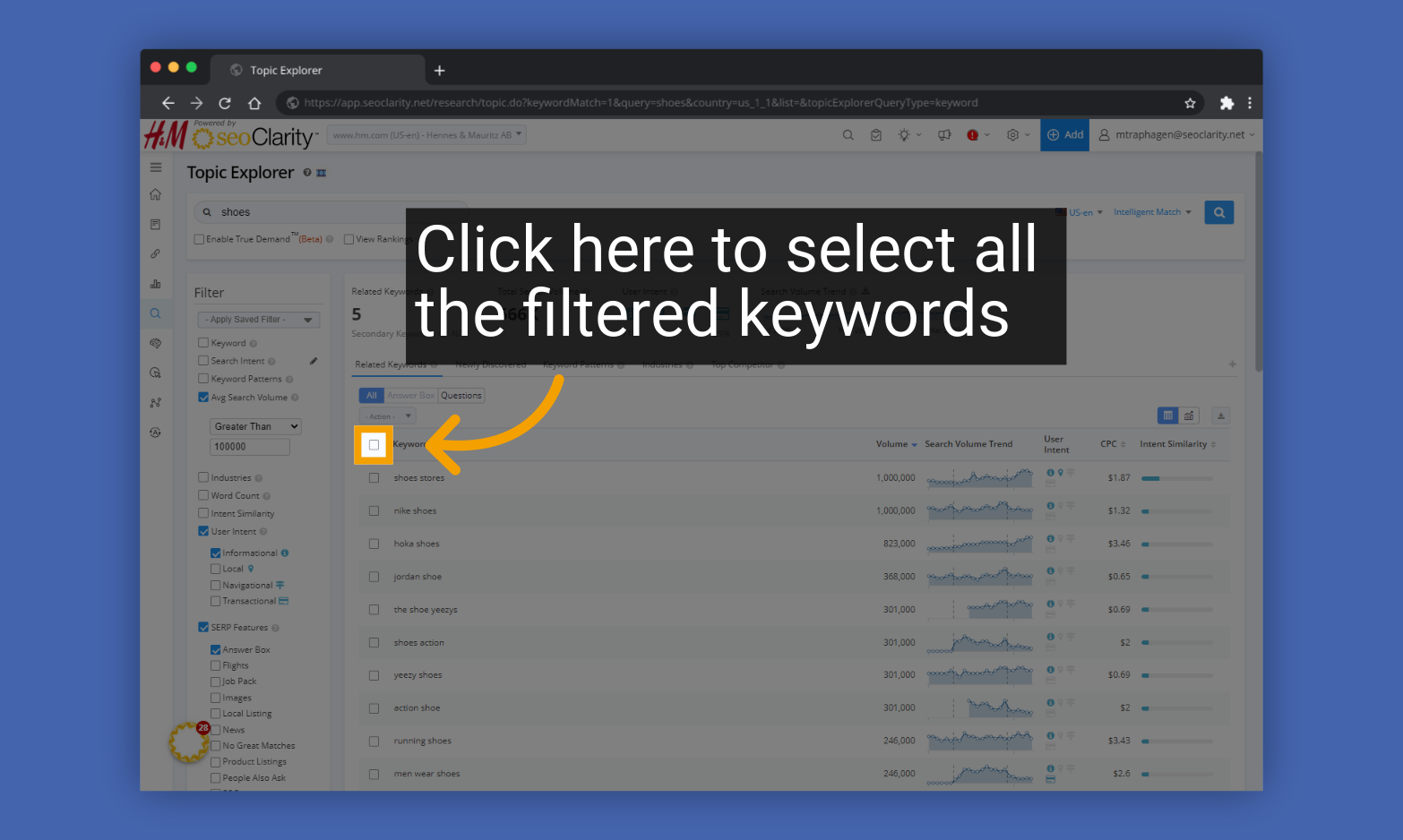
3. Click the box at the top of the keyword list to select all the filtered keywords
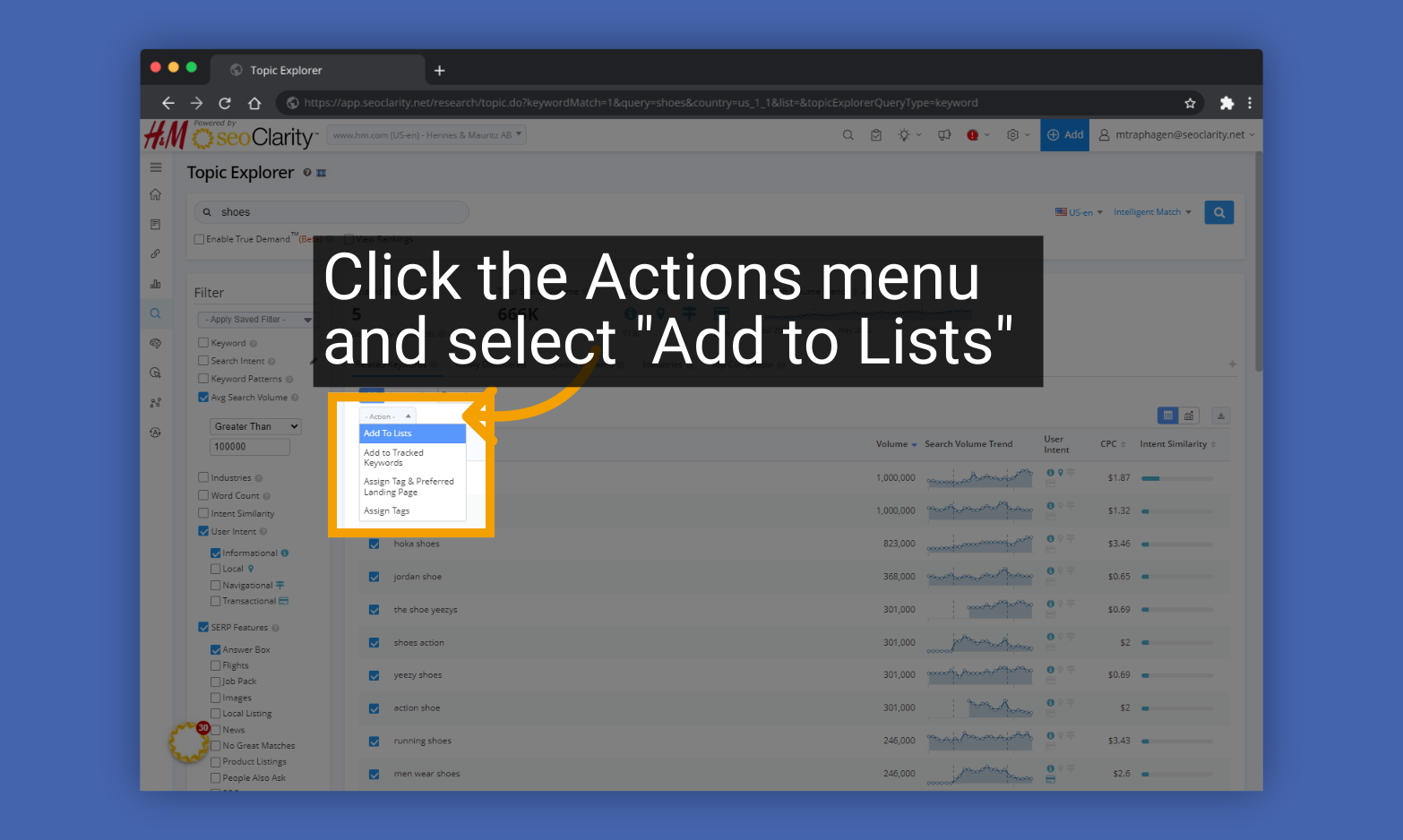
4. Click the Actions menu and select "Add to Lists"
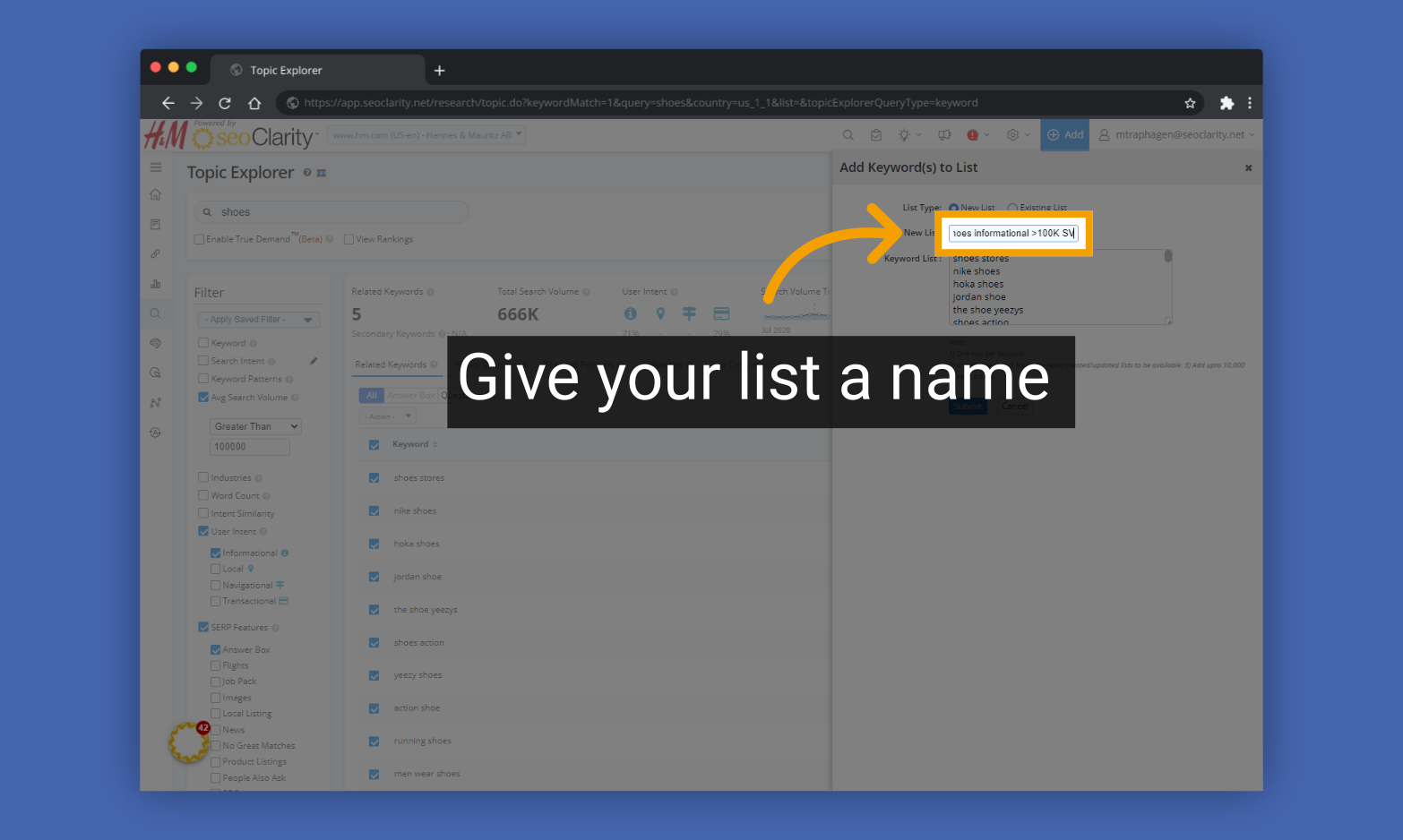
5. Give your list a name
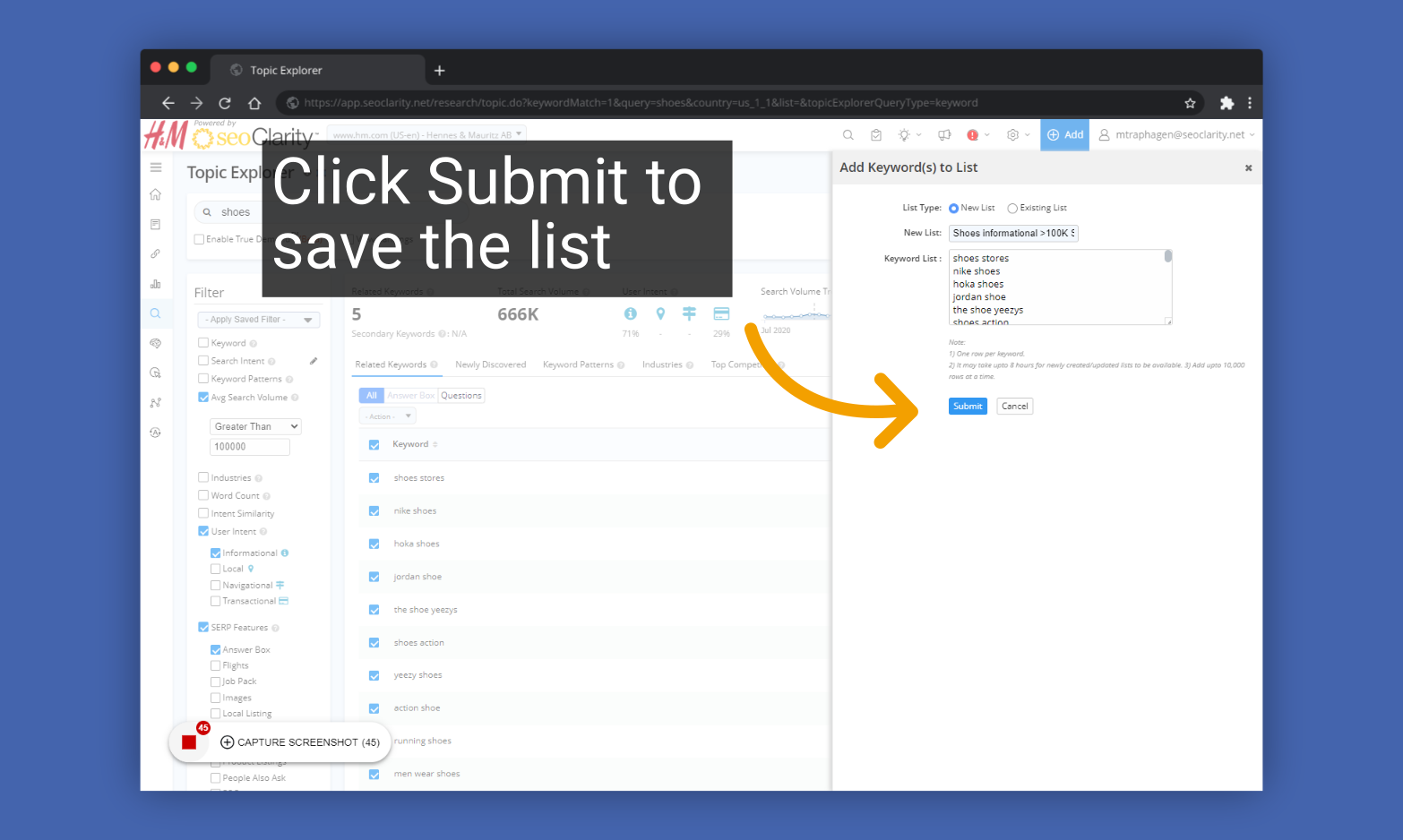
6. Click Submit to save the list
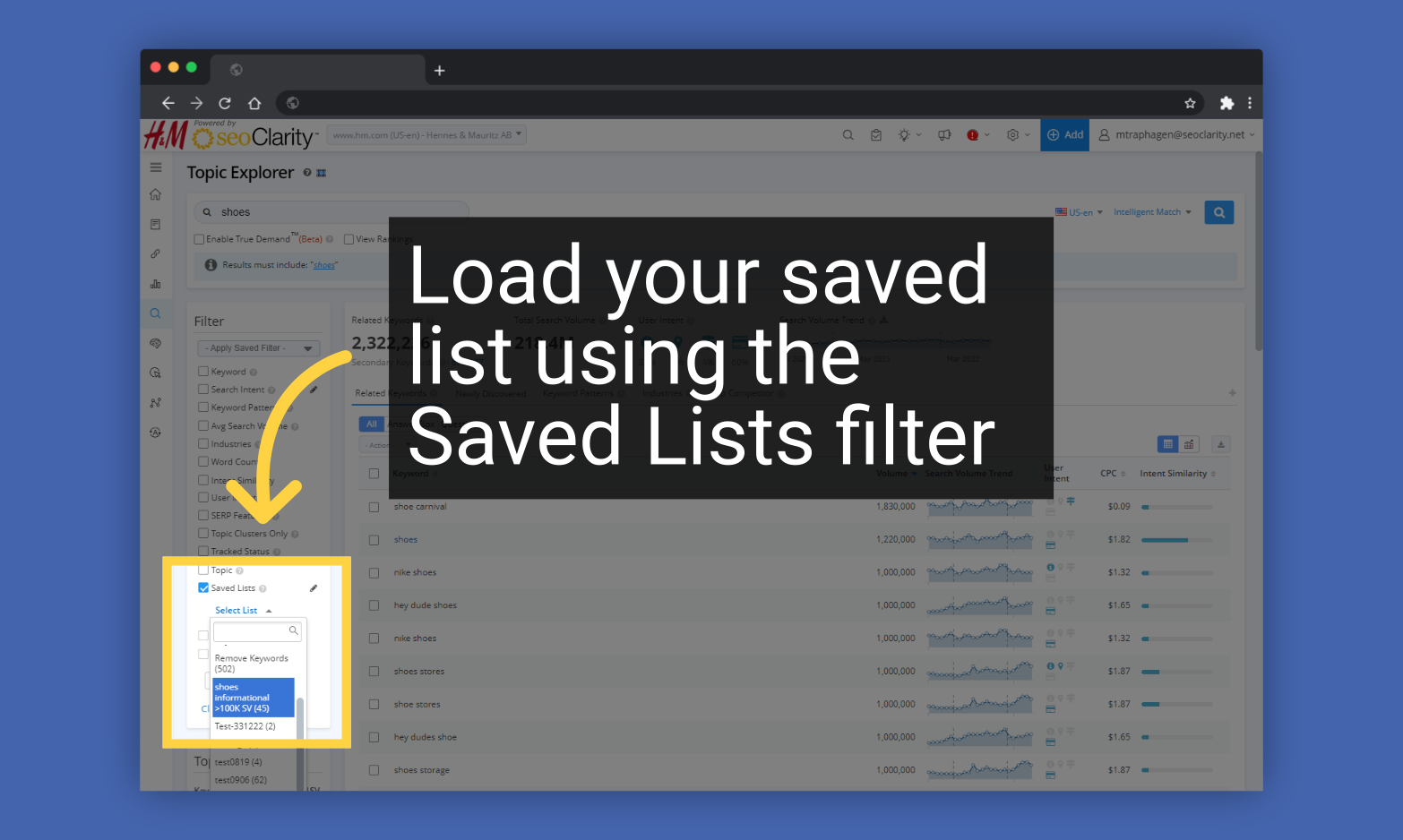
To use your Keyword List later, find it under the Keyword fLists filter in Topic Explorer