How to find trended search volume for a group of keywords?
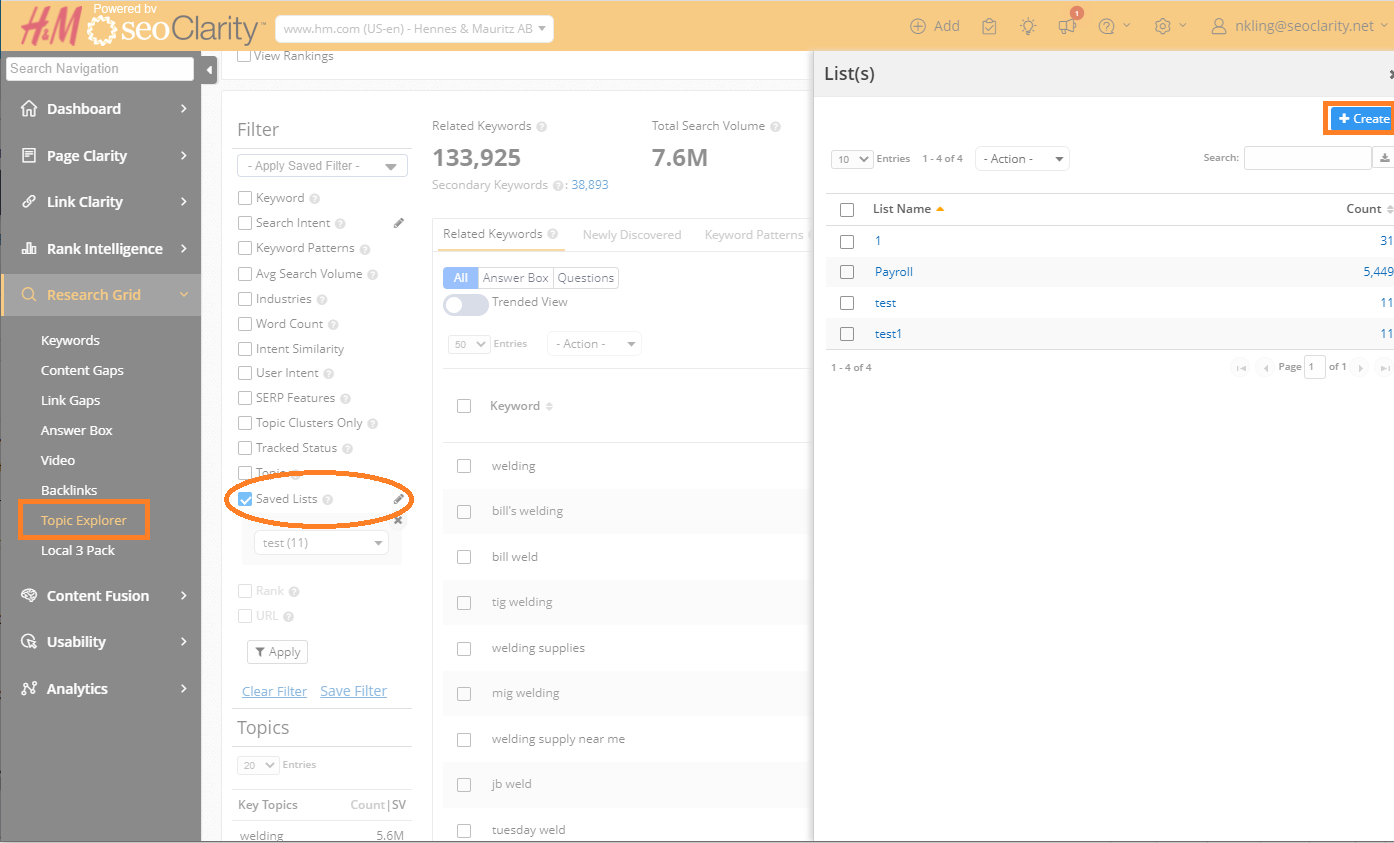
For managed keywords, navigate to Topic Explorer and select the Tracked Keywords Data option. Keep in mind that if the keyword is brand new to tracking in the platform the search volume for it will go through the retrieval process which can take a few hours.
For unmanaged keywords found in Research Grid, these can also be used to find Trended Search Volume. To do so download the keywords and in Topic Explorer use the left side filter menu to create a new saved list by clicking on the pencil icon. The list of keywords can be uploaded in the right side pop-up window.