How do I add tags and associations?
How To Add Tags and Associations Video
The ability to add keyword + URL pairs (associations) along with a corresponding keyword and page tag is available with the Keyword + Preferred Page + Tag option seen in multiple platform sections including the Universal Add menu.
Add Elements > Keyword + Preferred Page + Tag (Optional)
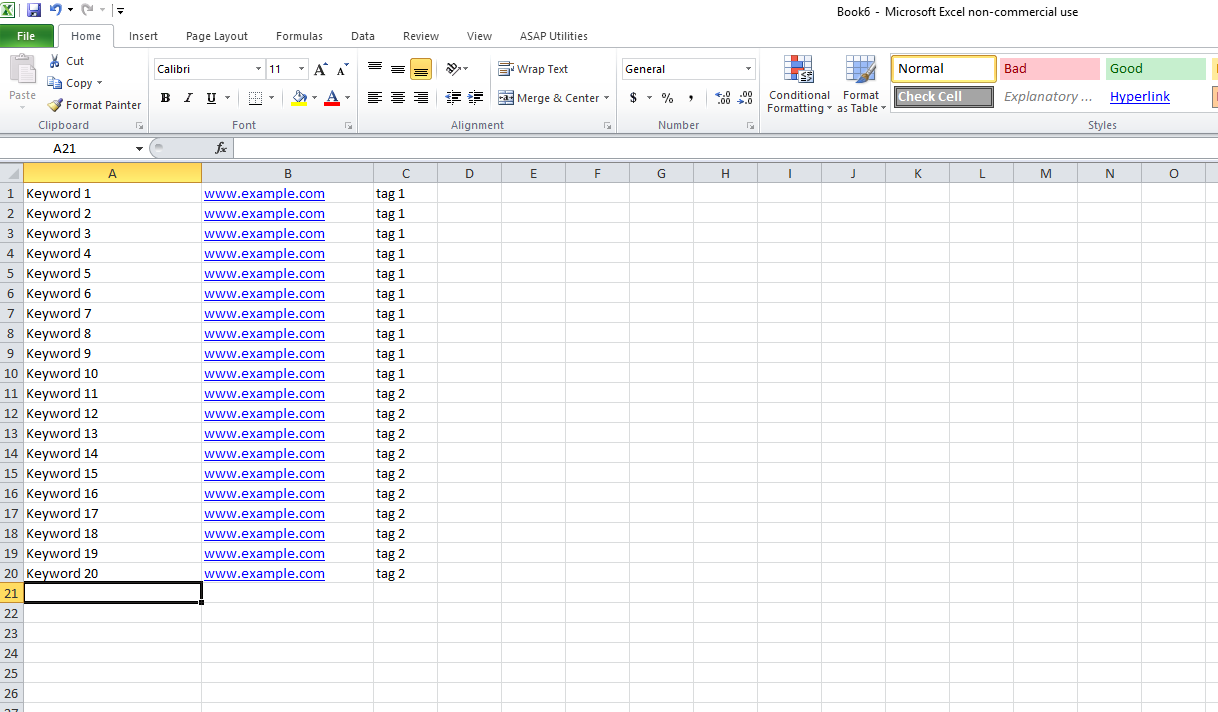
Keyword + URL + Tag Format
The example below will create an association (set the preferred landing page) with 'keyword1' to 'page1'. It will also create a keyword tag for 'keyword1' with 'tag1' and a page tag for 'www.example.com' with 'tag1' and 'tag2'. The easiest way to add Keyword + URL + Tags in the platform would be to copy them out of Microsoft Excel and into Keyword + URL + Tag section of the platform.