Competitor Detail overview
Typically, these metrics are available for your own domain but we have created a feature so you can get great insight on your competitors. This overview will go over the data that is available so that you can make more informed decisions based on how your competitors and their specific pages are doing. The Competitor Detail page is available for any associated competitor URL and can be found by clicking a competitor URL on the Competitor Clarity page.
Background & Requirements
In order to view the Competitor Detail page, you will need to have at least one associated competitor URL in the platform and can select that URL the data table on the Competitor Clarity page.
Competitor Detail On-site
Competitor Detail Keywords: Associated Keywords
- Keyword: This column lists the keywords that are found on the competitor's page that you already manage in your account
- Competing Against: This column displays the associated Target URL
- Competitor Rank: This column lists the number of keywords ranking out of the total number of keywords competing
- Our Rank: This column lists the rank position of your domain's keyword
- Keyword found in Title: Shows yes if there is a keyword is found in the title and no if the keyword was not found in the title
Competitor Detail Keywords: Keywords Found For
These are unmanaged keywords we seen this URL ranking for in Research Grid.
- Keyword: Lists the keyword found on the page
- Pos: This column lists the rank position of the keyword
- Average Search Volume: This column lists the monthly search volume for the keyword
- Our Rank: This column lists the rank position of your domain's keyword
Competitor Detail Research: Detailed View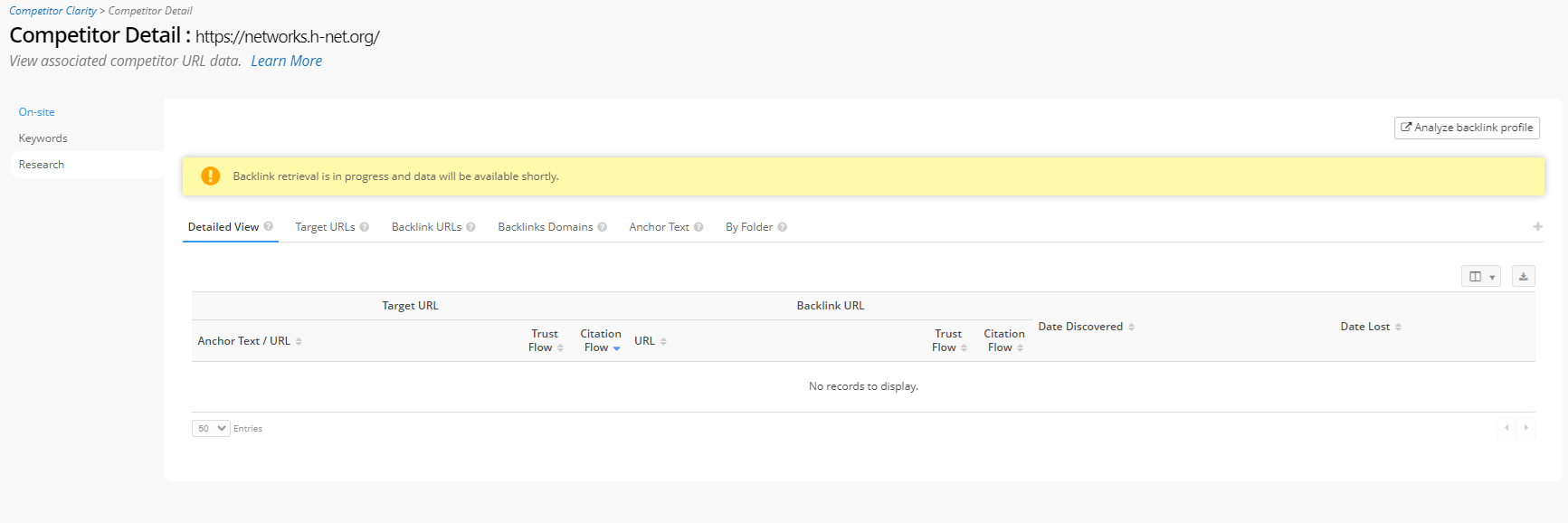
- Citation Flow: This column displays the a MajesticSEO metric that is based on influence
- Trust Flow: This column displays the a MajesticSEO metric that is based on trustworthiness
- Target Citation Flow: This column displays the a MajesticSEO metric that is based on influence
- Target Trust Flow: This column displays the a MajesticSEO metric that is based on trustworthiness
Target URLs
- Target URLs
Backlink URLs
- Backlink URLs
- Backlink URLs
Backlinks Domains
- Referring Domain: This column displays the domain that has a link pointing to the competitor's page
- Backlinks: This column lists the number of backlinks that has been found pointing to the referring domain
- Alexa Rank: This column shows the Alexa Rank
- Flow Rank:
- Citation Flow: This column displays Citation Flow, a MajesticSEO metric
- Trust Flow: This column displays the Trust Flow, a MajesticSEO metric
- Count of Target URLs: This column lists the number of managed URLs that the referring domain is pointing to
- Backlinks to: This column lists the number URL that the backlinks are directing to
- Country Code: This column displays the country code for the referring domain
- IP Address: This column lists the IP address of the referring domain
- Subnet: This column lists the hub of the referring domain
Anchor Text
- Anchor Text: This column displays the anchor text of the link that was found
- Link Type: This column lists the type of link that it is - text, image
- Partner URLs:
- Total: This column lists the total number of Partner URLs
- Deleted: This column lists the number of Partner URLs that have been deleted
- NoFollow: This column kists the number of Partner URLs that listed as NoFollow
- Referring Domains: This column displays the domain that has a link pointing to the competitor's page